
G17 Question 3 Explained: Circumcircle and Right Triangle Construction
Loading the math board and drawing, please wait…
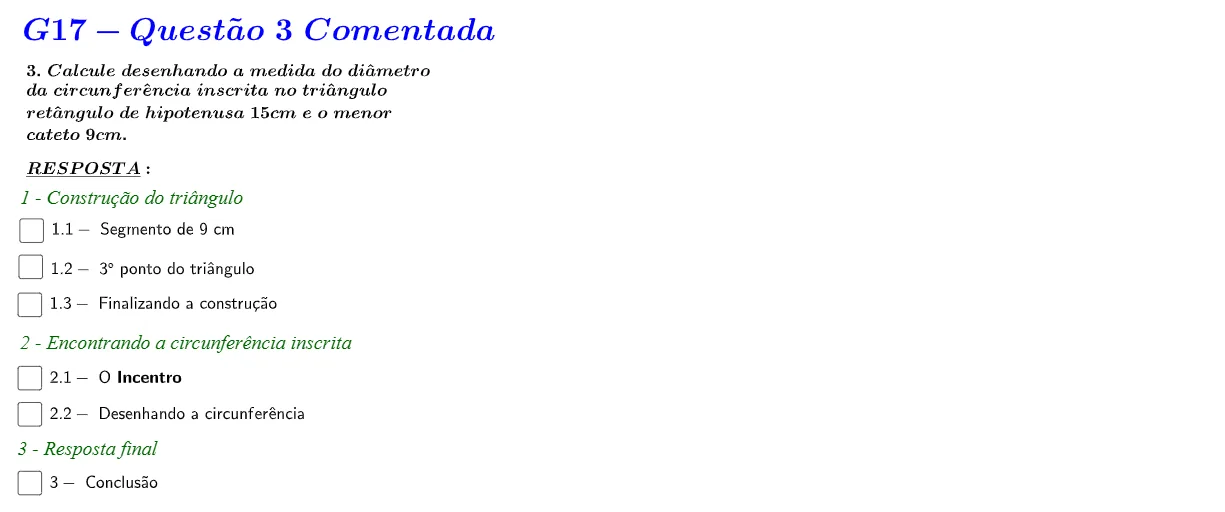
① This example demonstrates how to construct a right triangle and its circumcircle in GeoGebra, with step-by-step annotations that connect geometric figures to algebraic inequalities. ② Core mathematical concepts include circumscribed circles, properties of right triangles, real numbers and inequalities, continuity, and measurement of angles and distances, along with basic elements like angle bisectors and perpendicular lines. ③ Construction highlights: from the summary, commands used include Point, Segment, Circle, OrthogonalLine, Intersect, Polygon, Angle, AngularBisector, and Distance; multiple text objects (texto1 to texto7) are created for labeling and explanation, with variables such as α and distance PQ defined. ④ Suitable for high school or early college students reviewing geometry and inequality problems, and useful for teachers as a worked example in classroom demonstrations to illustrate the integration of geometric construction and algebraic reasoning.
GeoGebra Commands & Parameters
Point(Circle[A, 9]) → BSegment(A, B) → f_1Circle(A, 15) → c_2OrthogonalLine(B, f_1) → gIntersect(c_2, g) → C_1, CIntersect(c_2, g, 2) → EPolygon(A, B, C) → t1, c_1, a_1, b_1Angle(C, B, A) → αAngularBisector(b_1, f_1) → h, iAngularBisector(f_1, a_1) → j, kAngularBisector(b_1, a_1) → l, mIntersect(k, m) → POrthogonalLine(P, f_1) → nIntersect(f_1, c_1) → DIntersect(n, f_1) → QCircle(P, Q) → e_1Distance(P, Q) → distânciaPQSegment(P, Q) → f
AI Drawing Prompt Reference
Draw a right triangle and its circumcircle, showing the connection between geometric figures and algebraic inequalities. Start by plotting a point and connecting it to another point to form a line segment. Draw a circle centered at the first point, then draw a perpendicular line to the segment, intersecting the circle at two points. Connect these three points to form the right triangle. Next, find the angle of the triangle, draw the angle bisectors, and locate their intersection point. Use this point as the center to draw a circle that intersects the two vertices of the triangle, creating the circumcircle. Finally, measure and label the lengths of the segments and the angles.
The prompt above was compiled from the original drawing commands and is for reference only.