
Fraction Operation GeoGebra Example
Loading the math board and drawing, please wait…
In collections
geometriadinamica.es
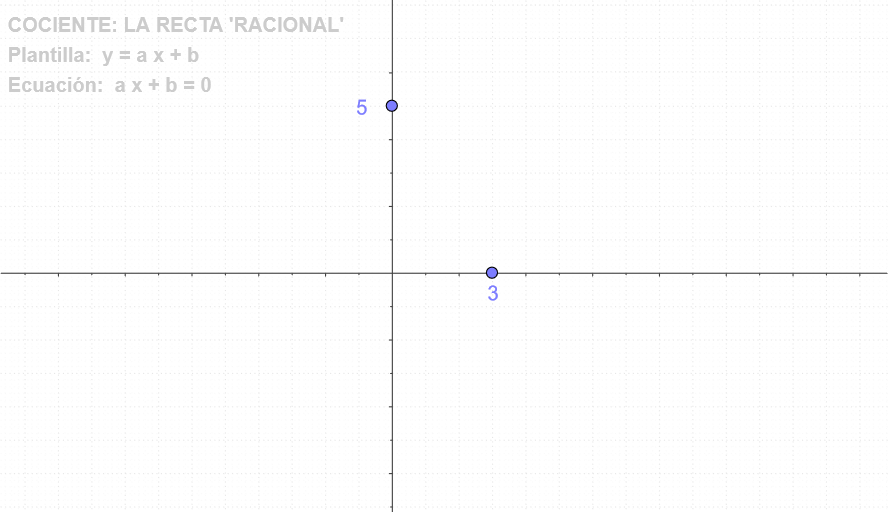
This example demonstrates the geometric representation and calculation process of fraction operations. It involves core math concepts like functions, integrals, tangent functions, polygons, and quadrilaterals. Construction highlights include using commands and objects such as Point, Segment, OrthogonalLine, If, Polygon, and Intersect. Suitable for high school and above learners to understand the integration of functions, integrals, and geometric constructions.
GeoGebra Commands & Parameters
Point(yAxis) → BPoint(xAxis) → DSegment(C, B) → cOrthogonalLine(C, c) → dIf(a ≟ 0, sgn(b), (sgn((-b)) * sgn(a))) → signoOrthogonalLine(B, yAxis) → r2Polygon(C, A, B) → P, b_1, c_1, a_1Segment(C, A) → s2Intersect(f, xAxis) → R
AI Drawing Prompt Reference
Draw a coordinate system, take point D on the x-axis and point B on the y-axis. Connect point C and B, and draw a perpendicular line d from C to line segment CB. Determine the sign of the expression based on the values of a and b. Draw a perpendicular line r2 from B to the y-axis. Use points C, A, and B to draw a triangle P. Connect C and A, and draw a perpendicular line s2 from C to the x-axis. Find the intersection point R of the function f with the x-axis.
The prompt above was compiled from the original drawing commands and is for reference only.