
Fraction Multiple
Loading the math board and drawing, please wait…
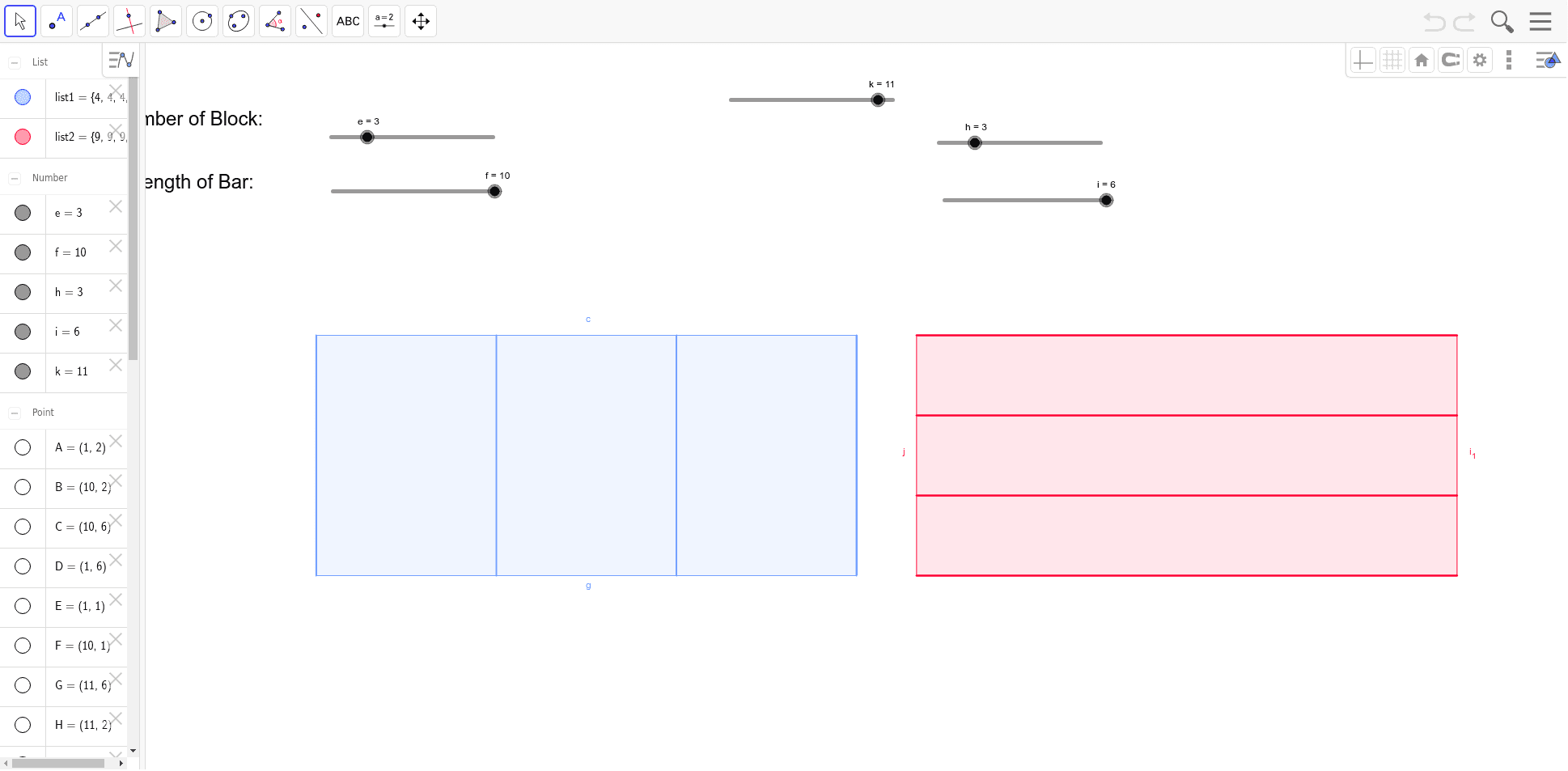
This example demonstrates the concept of fraction multiplication combined with geometric shapes. Key mathematical concepts include fraction operations, geometric transformations, and coordinate geometry. Construction involves using GeoGebra commands like Polygon, Segment, Vector, and Sequence to create and manipulate shapes. Suitable for middle school students learning fraction operations and geometric constructions, or for educational demonstrations in mathematics.
GeoGebra Commands & Parameters
Polygon(A, B, C, D) → poly1, a, b, c, dSegment(A, B) → gVector(E, F) → uSequence(Segment[(k, 2), (k, 6)], k, 1, g + 1, g / e) → list1Segment(G, H) → jPolygon(G, H, I, J) → poly2, g_1, h_1, i_1, j_1Sequence(Segment[(k, n + 1), (k + 9, n + 1)], n, 1, j + 1, j / h) → list2Point(a) → KPoint(c) → L
AI Drawing Prompt Reference
Draw a quadrilateral defined by four points, with a segment along one of its sides. From another point, draw a vector. Along one side of the quadrilateral, generate a series of vertical segments at equal intervals, extending from that side upward to a horizontal line. Then draw a second quadrilateral, and along one of its sides, generate a series of horizontal segments at equal intervals, extending from that side rightward to a vertical line. Finally, place a point on one side of the first quadrilateral and another point on a different side. The overall composition illustrates fraction multiplication combined with geometric shapes.
The prompt above was compiled from the original drawing commands and is for reference only.