
Fraction Arrangement
Loading the math board and drawing, please wait…
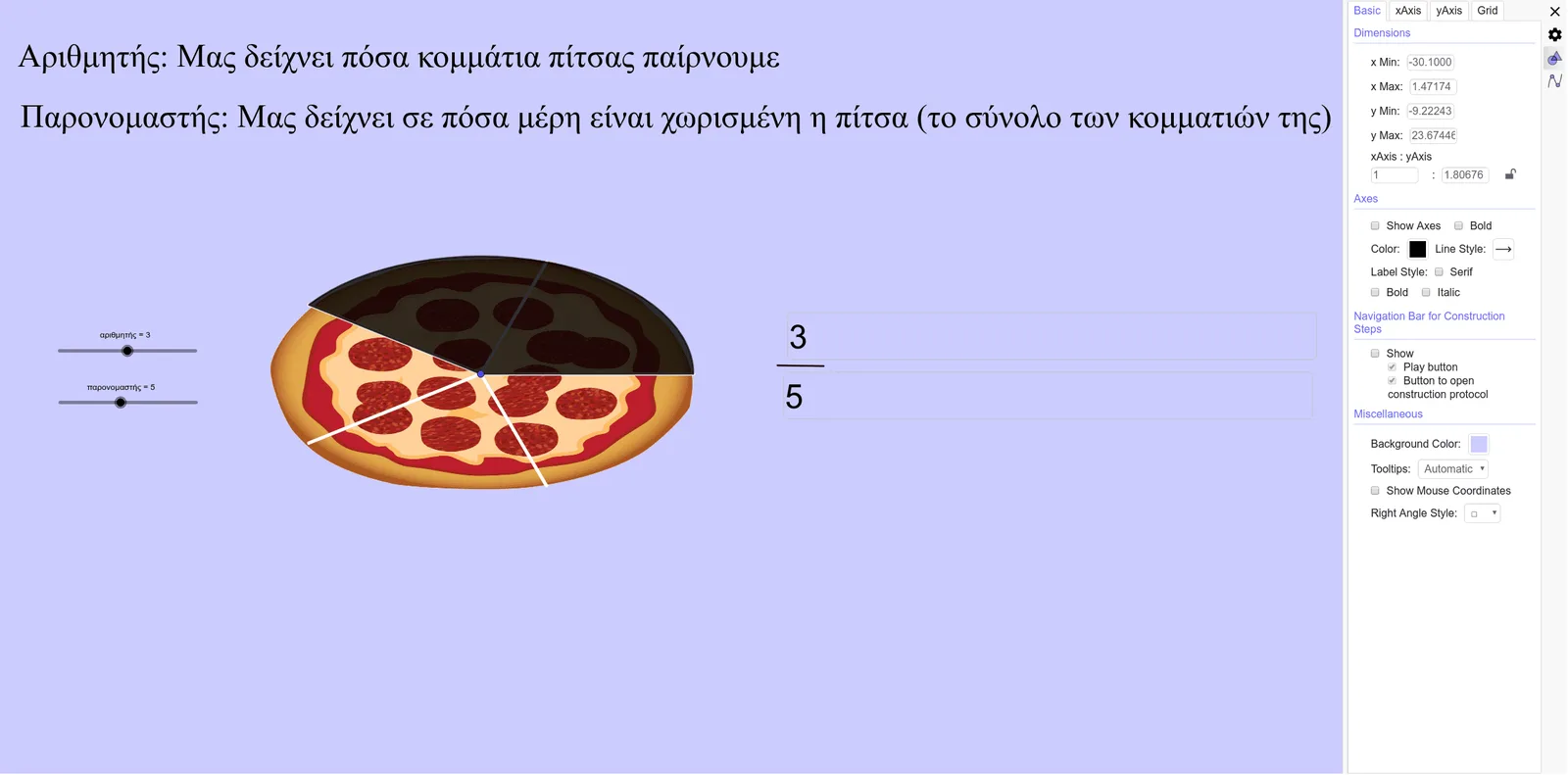
This example demonstrates the arrangement and geometric representation of fractions, visualizing the size relationships between fractions through graphics. Core mathematical concepts include fractions, means, rectangles, normal distribution, calculus, and median values. It is constructed using GeoGebra commands such as Circle, Point, Tangent, Intersect, Sequence, CircleSector, Textfield, and Segment. Suitable for high school and above students to learn and understand the geometric meaning of fractions and applications of calculus.
GeoGebra Commands & Parameters
Circle(Β, 5) → cPoint(c) → ΗPoint(c) → ΘPoint(c) → ΕPoint(c) → ΖTangent(xAxis, c) → f, gTangent(yAxis, c) → h, iIntersect(g, h) → ΓIntersect(g, i) → ΔIntersect(c, i, 1) → ΙSequence(Rotate[Ι, i°, Β], i, 0, 360, 360 / παρονομαστής) → l1Sequence(Segment[Β, Element[l1, i]], i, 1, Length[l1]) → l2CircleSector(Β, Ι, Element[l1, Length[l1] - αριθμητής]) → dTextfield(αριθμητής) → Εισ1Textfield(παρονομαστής) → Εισ2Segment(Α, Κ) → jSegment(Κ, Α) → k
AI Drawing Prompt Reference
Draw a circle and place five points evenly on it. From the center, draw tangent lines to the x-axis and y-axis, resulting in four tangents. Find the intersections of these tangents pairwise, as well as the intersection of the circle and the y-axis tangent in the first quadrant. Rotate the intersection point around the center by 360 degrees, taking one point every unit, and connect these points to form a closed shape. Mark the points on the rotation path and connect adjacent points to create a polygon. Draw a sector between the center and the last point, and label the numerator and denominator. Finally, add two parallel line segments below the shape.
The prompt above was compiled from the original drawing commands and is for reference only.