
Fraction Addition Demonstration by Terry Gastauer
Loading the math board and drawing, please wait…
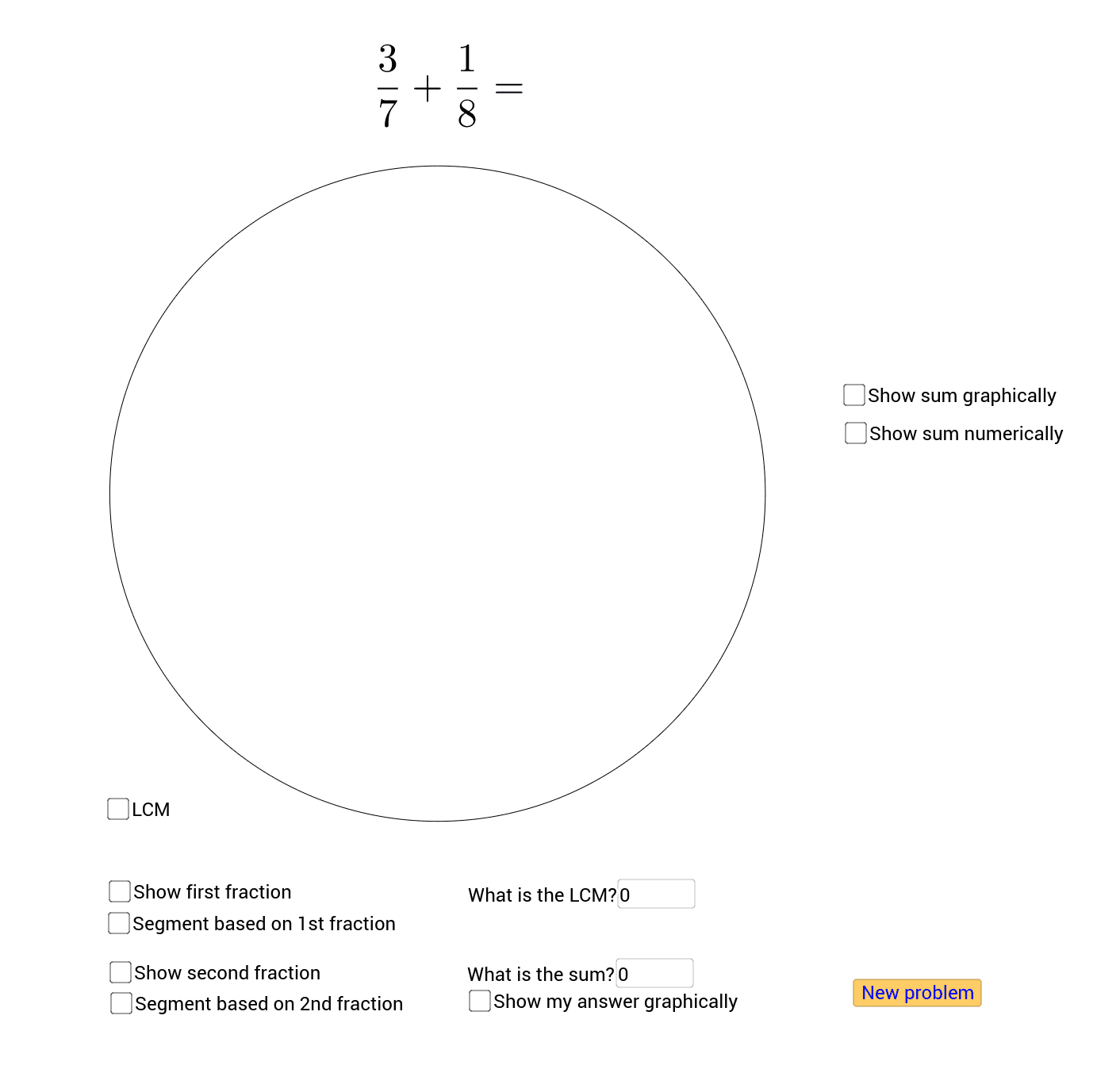
This example visually demonstrates the geometric meaning of fraction addition through dynamic graphics, intuitively showing the composition and decomposition of fractions. It involves core mathematical concepts such as fraction operations, Greatest Common Divisor (GCD), Least Common Multiple (LCM), geometric constructions, rotations, and sector areas. GeoGebra commands and objects like Point, Random, GCD, LCM, Circle, Intersect, Segment, Rotate, Angle, CircleSector, Sequence, Textfield, and Sector are used in the construction. Suitable for middle school and above learners to understand the essence and geometric applications of fraction addition.
GeoGebra Commands & Parameters
Point(yAxis) → ARandom(2, 15) → eRandom(e / 2, e / 15) → dGCD(d, e) → sRandom(2, 15) → bRandom(b / 2, b / 10) → aGCD(a, b) → rLCM(b1, e1) → LCMCircle(A, B) → cIntersect(c, xAxis, 2) → DSegment(A, D) → gRotate(D, ((a / b * 360))°, A) → D'Angle(D, A, D') → αCircleSector(A, D, D') → FirstFractionSectorRotate(D', ((d / e * 360))°, A) → D''Angle(D', A, D'') → βCircleSector(A, D', D'') → SecondFractionSectorSequence(Rotate[D, (360° * i / LCM), A], i, 1, LCM) → LCMPointsSequence(Segment[A, Element[LCMPoints, i]], i, 1, LCM) → LCMSegmentsSequence(Rotate[D, (360° * i / b1), A], i, 1, b1) → FirstFractionPointsSequence(Segment[A, Element[FirstFractionPoints, i]], i, 1, b1) → FirstFractionSegmentsTextfield(Ans) → WhatIsSumSequence(Rotate[D', (360° * i / e1), A], i, 1, e1) → SecondFractionPointsSequence(Segment[A, Element[SecondFractionPoints, i]], i, 1, e1) → SecondFractionSegmentsTextfield(LCD) → WhatIsLCDSector(c, D, D'') → SumSectorGCD((e1 * a1) + (b1 * d1), (b1 * e1)) → GCFRotate(D, ((Ans * 360))°, A) → PCircleSector(A, D, P) → AnsSector
AI Drawing Prompt Reference
Create a dynamic illustration showing the geometric meaning of fraction addition, demonstrating the composition and decomposition of fractions through rotations and sector areas. Draw a circle and create two sectors on it representing different fractions. Use rotations and intersections to combine these sectors into a complete circle, visually representing the sum of the fractions. Also, depict the decomposition and composition of fractions using points and line segments, and label key mathematical concepts like GCD and LCM.
The prompt above was compiled from the original drawing commands and is for reference only.