
Fraction Addition 2
Loading the math board and drawing, please wait…
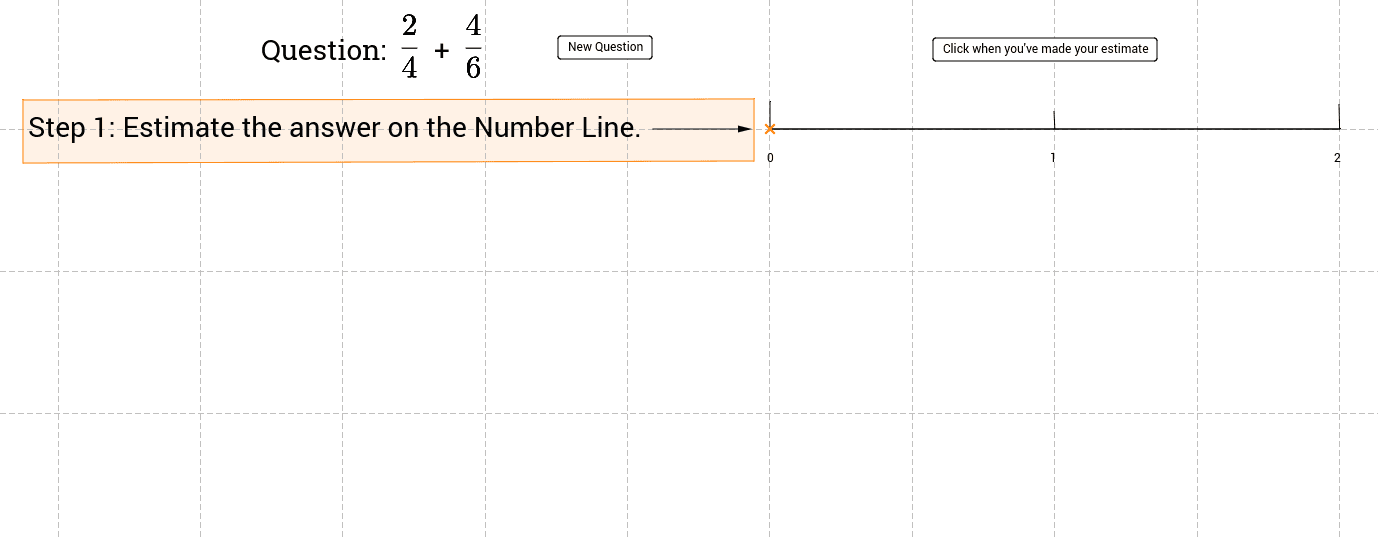
① This example demonstrates the addition of two randomly generated fractions using an area model to visually show how fractions combine. ② Core mathematical concepts include finding common denominators, fraction addition, recognizing equivalent fractions, and representing fractions on a number line or as areas. ③ Construction highlights: Random creates random numerators and denominators; Point and Vector position endpoints; Polygon draws fraction bars; Sequence generates multiple segments; Intersect and Segment compute intersection points; Midpoint finds midpoints; Textfield and InputBox capture user answers; If checks correctness; Button resets the applet. ④ Suitable for upper elementary to lower secondary fraction instruction and for teachers creating practice materials.
GeoGebra Commands & Parameters
Random(2, 10) → D1Random(2, 10) → D2Random(1, D1 - 1) → N1Random(1, D2 - 1) → N2Point(xAxis) → APoint(xAxis) → BVector(A, B) → uPolygon(C, D, E, F) → poly1, c, d, e, fSequence(LCM[D1, D2] * i, i, 1, 100) → CommonDIntersect(xAxis, yAxis) → GPoint(xAxis) → HSegment(G, H) → aTextfield(ans1) → inputBox1Polygon(J, K, L, M) → poly2, j, k, l, mIf(ans1 ∈ CommonD, true, false) → CDTextfield(ans2) → inputBox2Textfield(ans3) → inputBox3Textfield(ans4) → inputBox4Segment(N, O) → bSegment(Q, R) → gSegment(S, T) → hPolygon(U, V, W, Z) → poly3, u_1, v, w, zSegment(A_1, B_1) → nPoint(a) → C_1Segment(C_1, D_1) → pPoint(a) → E_1Segment(E_1, F_1) → qIntersect(a, q) → I_1Vector(I_1, G_1) → rVector(G_1, H_1) → sMidpoint(G_1, H_1) → J_1Point(a) → I
AI Drawing Prompt Reference
Create an area model to demonstrate the addition of two randomly generated fractions. Start by drawing two vectors on the coordinate axis and use them to define a rectangle. Then, based on the random numerators and denominators, divide the rectangle into two parts representing the fractions. Mark the sum of the fractions on the coordinate axis and connect the corresponding points with line segments. Finally, display the result of adding the fractions and include text boxes for users to input their answers for verification.
The prompt above was compiled from the original drawing commands and is for reference only.