
Flag
Loading the math board and drawing, please wait…
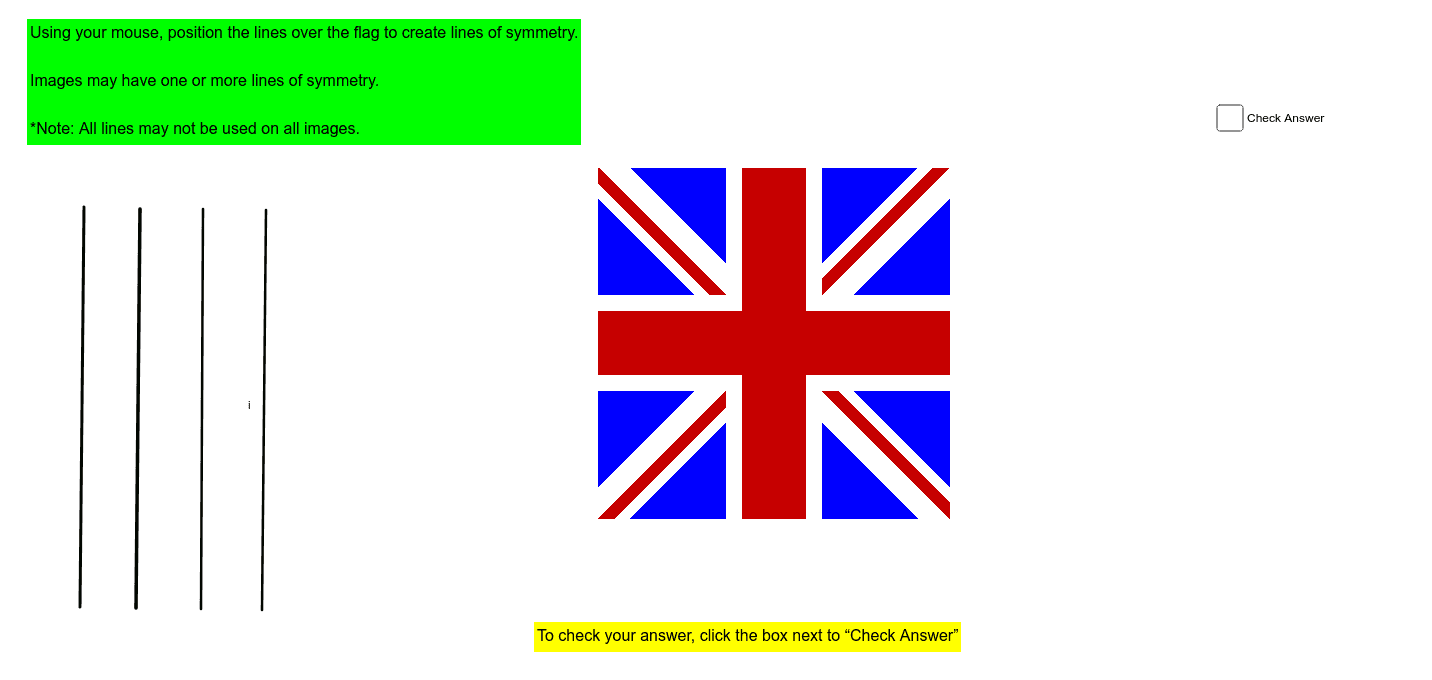
This example demonstrates how to draw a flag using GeoGebra. Key mathematical concepts include geometric construction and function graphing. The construction uses the Segment command to draw boundaries and function graphs to represent color changes. Suitable for middle school and above students to learn geometric construction and function applications.
GeoGebra Commands & Parameters
Segment(C, D) → aSegment(E, F) → bSegment(G, H) → cSegment(I, J) → dSegment(K, L) → fSegment(M, N) → gSegment(O, P) → hSegment(Q, R) → i
AI Drawing Prompt Reference
Draw a flag using line segments to define the boundaries. First, draw four vertical line segments as the borders, then draw two horizontal line segments for the top and bottom horizontal lines. Use function graphs to represent color changes, transitioning from red at the top to blue at the bottom.
The prompt above was compiled from the original drawing commands and is for reference only.