
Exponent Notation Practice
Loading the math board and drawing, please wait…
In collections
Potenzen - Einführung
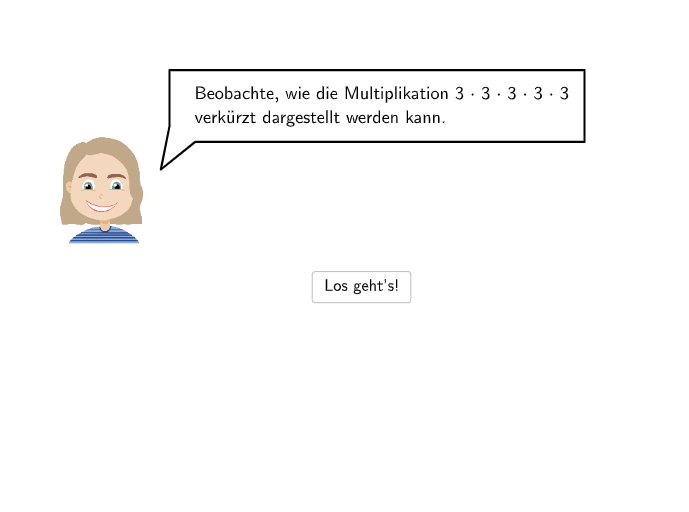
This example demonstrates exponent notation and its application through multiple-choice and open-ended questions. The core math concepts involved include the definition of exponents, repeated multiplication, and the interpretation and application of positive integer exponentiation. It utilizes GeoGebra commands/objects like Corner, Segment, Point, Vector, Polygon, SpeechBubbleRight, Textfield, and SpeechBubbleLeft as per the construction summary. Suitable for 7th and 8th-grade students to understand and apply the concept of positive integer exponents.
GeoGebra Commands & Parameters
Corner(a1, 4) → CornerText1Corner(a5, 4) → CornerText5Segment((-2, 1.94), (6.07, 1.94)) → anm1Point(anm1) → Pa1Segment(PSeg2, PSeg1) → anm2Point(anm2) → PaNeuCorner(num5, 4) → CornerNum5Segment(PSegNum1, PSegNum2) → anm3Point(anm3) → Pnum5Segment(PSegNum2, PSegNum2_{1}) → anm3_{1}Point(anm3_{1}) → Pnum5NeuVector(A, B) → uVector(B_{1}, A_{1}) → u_{1}Polygon(C, D, E, F) → q1, c, d, e, fVector(A_{2}, B_{2}) → u_{2}Segment(G, H) → gPoint(g) → PHandLSpeechBubbleRight(PBubbleAndrea, 6.5, 1.8) → bubble1SpeechBubbleRight(PBubbleAndrea, 6.5, 1.4) → bubble2Textfield(input1) → InputBox1Textfield(input2) → InputBox2Textfield(input3) → InputBox3Textfield(input4) → InputBox4Textfield(input5) → InputBox5Textfield(input6) → InputBox6SpeechBubbleRight(PBubbleAndrea, 8.3, 1) → bubble3SpeechBubbleLeft(PBubbleAndreaStart, 9, 1.3) → bubbleStart
AI Drawing Prompt Reference
Draw an exponent notation practice diagram with a shape made of points and segments, and five input boxes. Start by drawing a horizontal line segment, then mark points and numbers on it. Next, draw vectors and a polygon. Finally, add three speech bubbles at different positions.
The prompt above was compiled from the original drawing commands and is for reference only.