
Exploring Triangle Inequalities
Loading the math board and drawing, please wait…
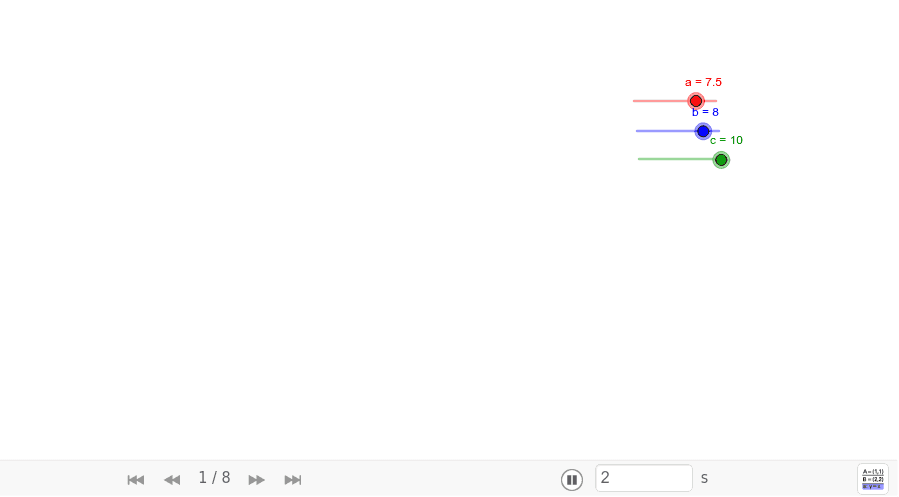
This example allows students to discover and verify the triangle inequality theorem by dynamically adjusting the lengths of the sides a, b, and c of a triangle. It involves core math concepts like the triangle inequality theorem and side-angle relationships. Constructed using commands such as Point, Segment, Circle, Intersect, Polygon, Angle, and Midpoint. Ideal for middle school and above students to visually understand geometric theorems and enhance spatial reasoning.
GeoGebra Commands & Parameters
Point(Circle[A, abs(c)]) → BSegment(A, B) → dCircle(A, b) → eCircle(B, a) → fIntersect(e, f, 1) → CPolygon(A, B, C) → poly1, c_1, a_1, b_1Angle(B, A, C) → αAngle(C, B, A) → βAngle(A, C, B) → γPoint(e) → DSegment(A, D) → gMidpoint(g) → EPoint(f) → FSegment(F, B) → hMidpoint(h) → G
AI Drawing Prompt Reference
Draw a triangle with adjustable side lengths to explore the triangle inequality theorem. Start by drawing two circles centered at two vertices with radii equal to the lengths of the opposite sides, and find their intersection point to complete the triangle. Then, draw lines from each vertex to the midpoint of the opposite side, and mark the midpoints and angles of the triangle for analyzing side-angle relationships.
The prompt above was compiled from the original drawing commands and is for reference only.