
Exploring Square Symmetry
Loading the math board and drawing, please wait…
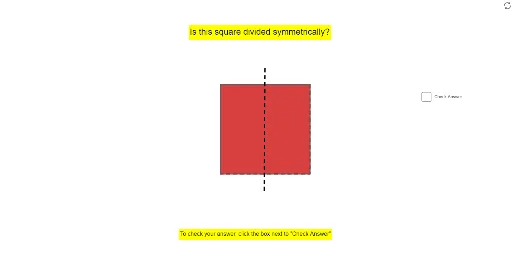
This example demonstrates the symmetry of a square, verifying its axis and central symmetry through dynamic constructions. It involves core math concepts like symmetry, midpoints, square properties, and trigonometric functions. Constructed using commands like Polygon and Segment, it's suitable for middle school and above, aiding geometric visualization and symmetry understanding.
GeoGebra Commands & Parameters
Polygon(A, B, 4) → poly1, a, b, c, d, C, DSegment(E, F) → eSegment(G, H) → gSegment(I, J) → hSegment(K, L) → i
AI Drawing Prompt Reference
Draw a square and demonstrate its symmetry by connecting its diagonals. First, draw the four vertices of the square A, B, C, and D, then connect the diagonals E and F, and G and H, and finally, connect I and J to form the sides and diagonals of the square.
The prompt above was compiled from the original drawing commands and is for reference only.