
Exploring Reflectional Symmetry with GeoGebra
Loading the math board and drawing, please wait…
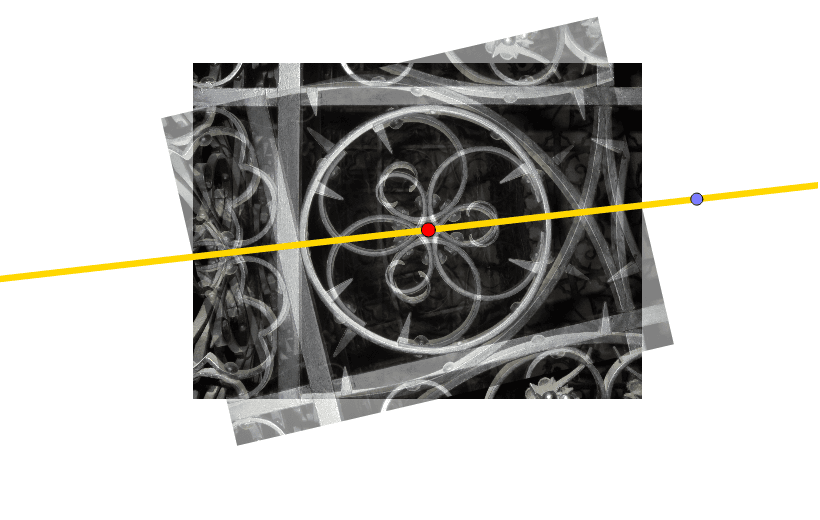
This example uses GeoGebra to explore reflectional symmetry. It involves the connection between the center of rotational symmetry and the line of reflection. Commands used include Circle, Point, Line, and Mirror. Suitable for middle school and above students learning geometric transformations.
GeoGebra Commands & Parameters
Circle(C, D) → cPoint(c) → ELine(C, E) → aMirror(pic1, a) → pic1'
AI Drawing Prompt Reference
Draw a circle and mark its center and a point on the circle. Then, draw a line through the center and that point. Next, reflect a shape across this line to show the mirrored image, exploring the relationship between the center of rotational symmetry and the line of reflection.
The prompt above was compiled from the original drawing commands and is for reference only.