
Exploring Line-Plane Intersections
Loading the math board and drawing, please wait…
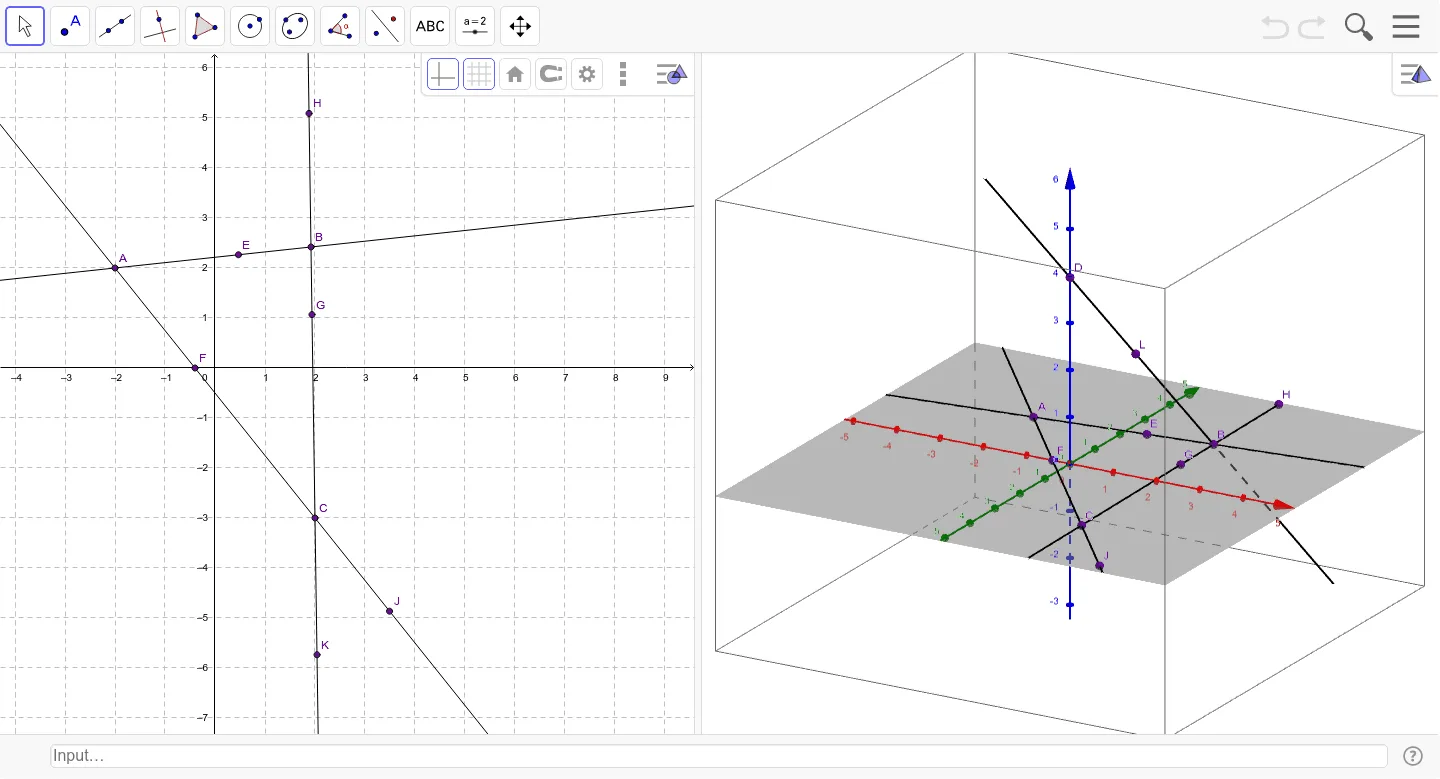
This GeoGebra applet allows students to dynamically explore the intersection of lines and planes in three-dimensional space. By manipulating points and lines, users can observe whether a line intersects a plane at a single point, is parallel to it, or lies within it. The example demonstrates core concepts in solid geometry, coordinate geometry, and spatial reasoning. Construction uses fundamental GeoGebra commands such as Point, Line, and Intersect, with labeled points (A, B, C, D, etc.) defining the geometric entities. It is suitable for middle to high school mathematics, particularly in units on three-dimensional geometry, vectors, and analytic geometry, helping learners visualize and understand the relationship between linear and planar objects in 3D.
GeoGebra Commands & Parameters
Point(zAxis) → DLine(D, B) → aLine(A, B) → bLine(C, A) → cLine(C, B) → dPoint(b) → EIntersect(c, xAxis) → FPoint(d) → GPoint(d) → HPoint(c) → JPoint(d) → KPoint(a) → L
AI Drawing Prompt Reference
Draw a 3D plane defined by three non-collinear points, including a line that intersects one coordinate axis. Place a moving point on a line within the plane. Then draw another line that intersects the plane at a point on the coordinate axis. Add two moving points on a different line in the plane, and one more moving point on the line that intersects the plane. Finally, mark the intersection point of the plane with the coordinate axis. Show the relationship between lines and the plane, labeling all key points.
The prompt above was compiled from the original drawing commands and is for reference only.