
Exploring Continued Fractions
Loading the math board and drawing, please wait…
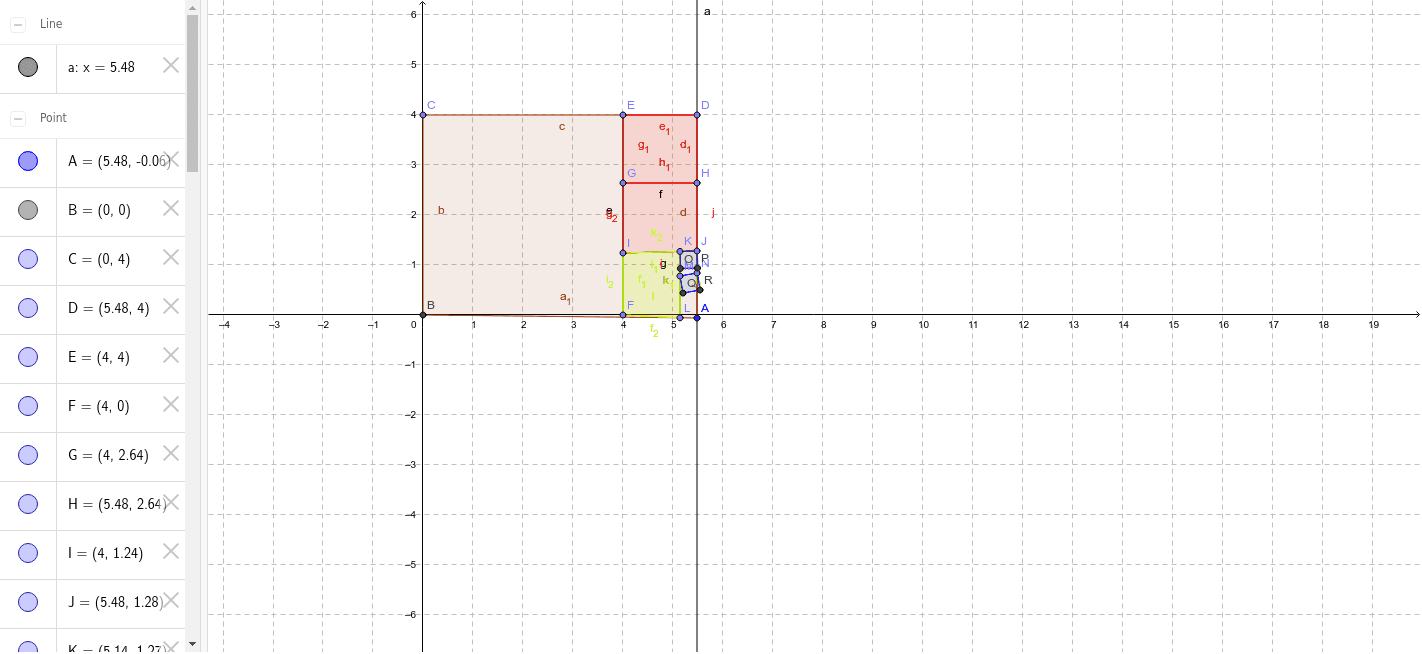
This example demonstrates the concept of continued fractions and its applications in geometry through interactive exploration. It involves core mathematical concepts such as fractions, combinatorics, geometry (e.g., cuboid), expected value, and geometry. The construction uses GeoGebra commands/objects like Intersect (intersection), Point (point), OrthogonalLine (perpendicular line), Polygon (polygon), and Segment (segment). Suitable for high school and above mathematics learners to understand the construction and properties of continued fractions and their practical applications.
GeoGebra Commands & Parameters
Intersect(xAxis, yAxis) → BPoint(yAxis) → COrthogonalLine(A, xAxis) → aPoint(a) → DPolygon(A, B, C, D) → poly1, a_1, b, c, dPoint(c) → EPoint(xAxis) → FSegment(E, F) → ePoint(e) → GPoint(d) → HSegment(G, H) → fPoint(e) → IPoint(d) → JSegment(I, J) → gPolygon(E, D, H, G) → poly2, e_1, d_1, h, g_1Polygon(H, G, I, J) → poly3, h_1, g_2, i, jPoint(g) → KPoint(a_1) → LSegment(K, L) → kPolygon(I, K, L, F) → poly4, i_1, k_1, l, f_1Polygon(K, I, F, L) → poly5, k_2, i_2, f_2, l_1Point(k) → MPoint(d) → NPolygon(J, K, 4) → poly6, m, n, p, q, O, PPolygon(N, M, 4) → poly7, r, s, t, b_1, Q, R