
Exploring approximations of definite integrals
Loading the math board and drawing, please wait…
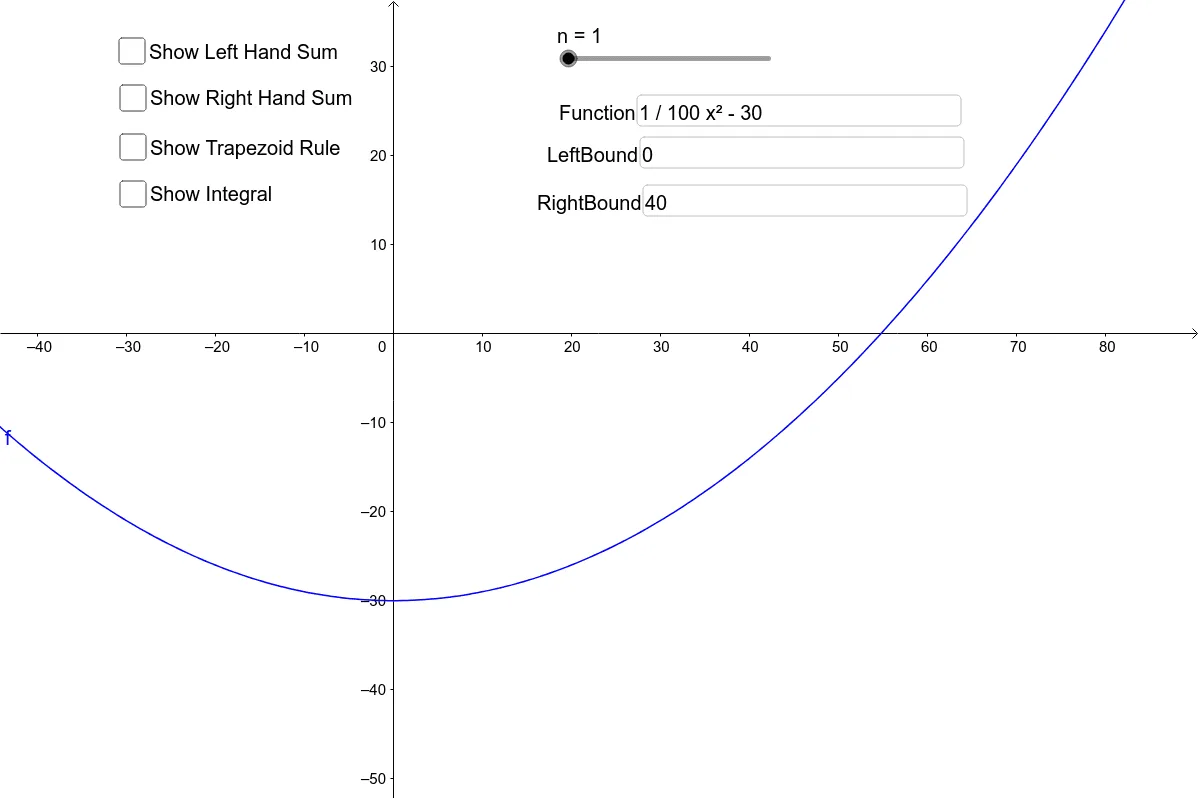
This example demonstrates how to approximate definite integrals using the trapezoidal rule, left rectangle sum, and right rectangle sum. The core mathematical concepts involved include definite integrals, geometric transformations, upper and lower sums, and Riemann sums. It is constructed using GeoGebra commands/objects such as TrapezoidalSum, Textfield, LeftSum, RectangleSum, Integral, Function, LeftBound, RightBound, LeftSum, RightSum, c, Integral, and g. Suitable for high school mathematics calculus teaching, helping students understand the methods of approximating definite integrals.
GeoGebra Commands & Parameters
TrapezoidalSum(f, a, b, n) → TrapezoidSumTextfield() → InputBox1Textfield(f) → FunctionTextfield(a) → LeftBoundTextfield(b) → RightBoundLeftSum(f, a, b, n) → LeftSumRectangleSum(f, a, b, n, 1) → RightSumIntegral(f, a, b) → Integral
AI Drawing Prompt Reference
Draw a function and its definite integral area. Below the graph, approximate the integral using three methods: trapezoidal rule, left rectangle sum, and right rectangle sum. Each method should have its own graph and label showing the approximation value and boundary values. Start by drawing the function and integral area, then add the three approximation methods, labeling their relationship to the original function.
The prompt above was compiled from the original drawing commands and is for reference only.