
Exploring Algebraic Terms: Variable Placeholders and Expression Understanding
Loading the math board and drawing, please wait…
In collections
Wiederholung: Variablen, Terme und Gleichungen
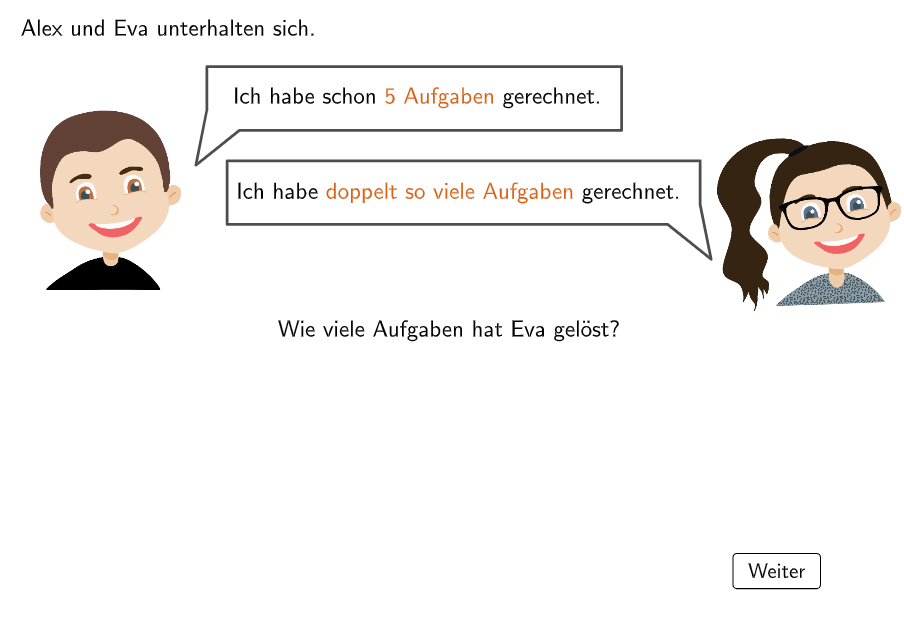
This example demonstrates how to use variables as placeholders for numbers to construct simple algebraic expressions. The core mathematical concept is basic understanding of algebraic expressions, recognizing that letters (like h) can represent unknowns or variables. Construction highlights: Using GeoGebra's Textfield component for interactive input areas, If statements for answer verification, SpeechBubbleLeft/Right bubbles for hint display, InputBox for receiving user variable values, and slider controls to manage the demonstration flow. Suitable for Grade 5-6 students (ages 10-12), this example can be used in introductory algebra teaching to help students build the foundational concept of 'using letters to represent numbers' and develop algebraic thinking and expression writing skills.
GeoGebra Commands & Parameters
Textfield(in) → InputBox1If(slide ≟ 1 ∧ showPart2, in ≟ 10, true) → fixedMidpoint(J, K) → LSpeechBubbleLeft(SpeechBubble1, dx01, dy01) → Vieleck1SpeechBubbleRight(SpeechBubble2, dx02, dy01) → Vieleck2
AI Drawing Prompt Reference
Create an interactive-style instructional diagram for understanding algebraic placeholders: include a text input field with a prompt, and add two speech bubbles placed to the left and right of the main area to show hint messages. Construct a basic geometry relation by defining two points, J and K, and then mark their midpoint as point L. Position the left and right speech bubbles near the midpoint so they visually guide the learner. Arrange the scene in order: input field and hint bubbles first, then the midpoint construction.
The prompt above was compiled from the original drawing commands and is for reference only.