
Explore Rotations - Observe Coordinate Changes
Loading the math board and drawing, please wait…
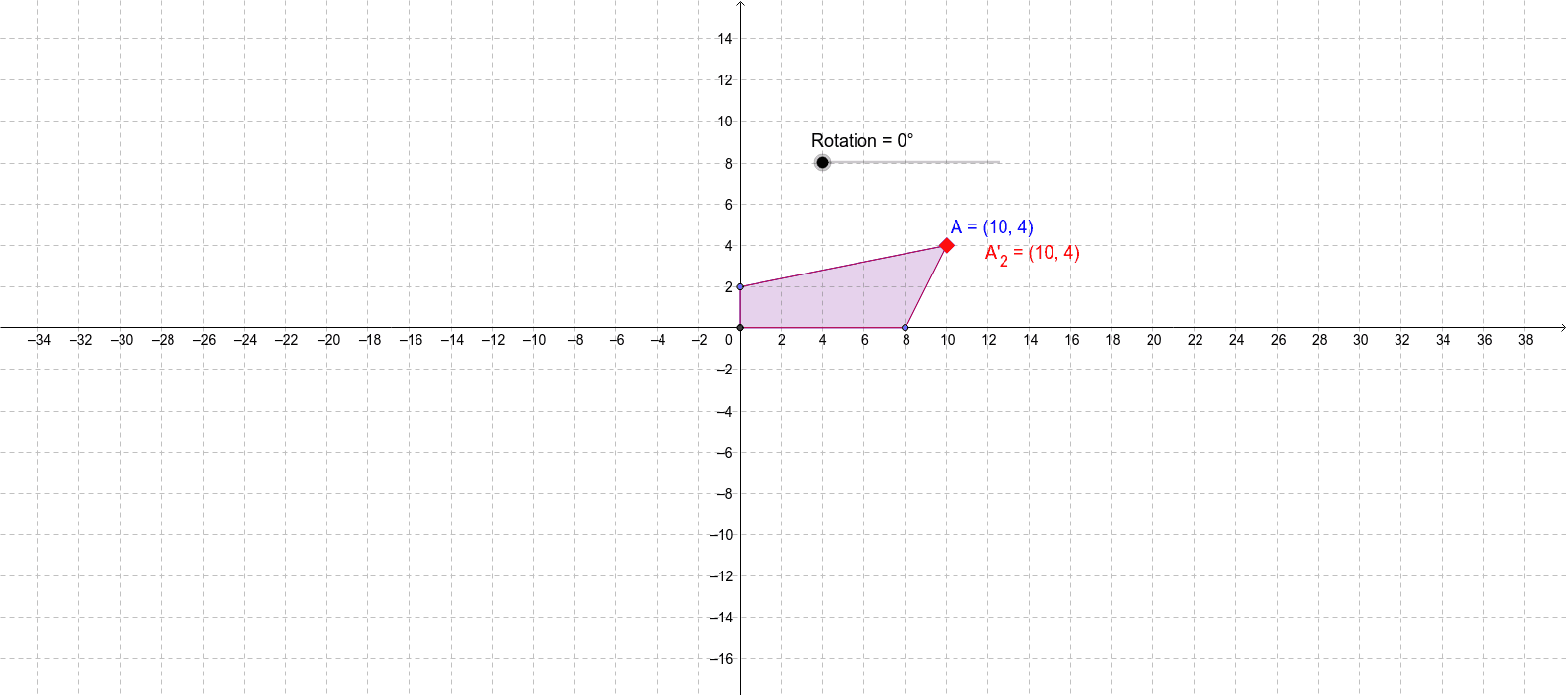
This example demonstrates how rotation transformations affect the coordinates of a point. Key mathematical concepts include coordinate transformation and rotation. Using GeoGebra commands such as Intersect, Rotate, and Point, you can dynamically observe the changes in the coordinates of point A after rotation. Suitable for students in middle school and above learning geometric transformations.
GeoGebra Commands & Parameters
Intersect(xAxis, yAxis) → CentreRotate(A, Rotation, Centre) → A'Point(xAxis) → BPoint(yAxis) → CPolygon(Centre, C, A, B) → poly1, centre, c, a, bRotate(Centre, Rotation, Centre) → Centre'Rotate(C, Rotation, Centre) → C'Rotate(A, Rotation, Centre) → A'_1Rotate(B, Rotation, Centre) → B'Polygon(Centre', C', A'_1, B') → poly1', centre', c', a'_1, b'Rotate(Centre, (-Rotation), Centre) → Centre'_1Rotate(C, (-Rotation), Centre) → C'_1Rotate(A, (-Rotation), Centre) → A'_2Rotate(B, (-Rotation), Centre) → B'_1Polygon(Centre'_1, C'_1, A'_2, B'_1) → poly1'_1, centre'_1, c'_1, a'_2, b'_1
AI Drawing Prompt Reference
Draw a coordinate system with the origin and mark the intersection of the axes. Rotate a point around the origin by a specified angle and draw the rotated point. Label the original and rotated points and their paths, then draw a polygon connecting these points to show the rotation effect. Next, rotate the center point and draw a polygon with the new center and corresponding points. Finally, reverse the rotation angle and repeat the process to draw the polygon for the opposite rotation, demonstrating the symmetry of rotation.
The prompt above was compiled from the original drawing commands and is for reference only.