
Euclid: The Game Level 11 — Incircle-Based Geometric Construction
Loading the math board and drawing, please wait…
In collections
Euclid: The Game
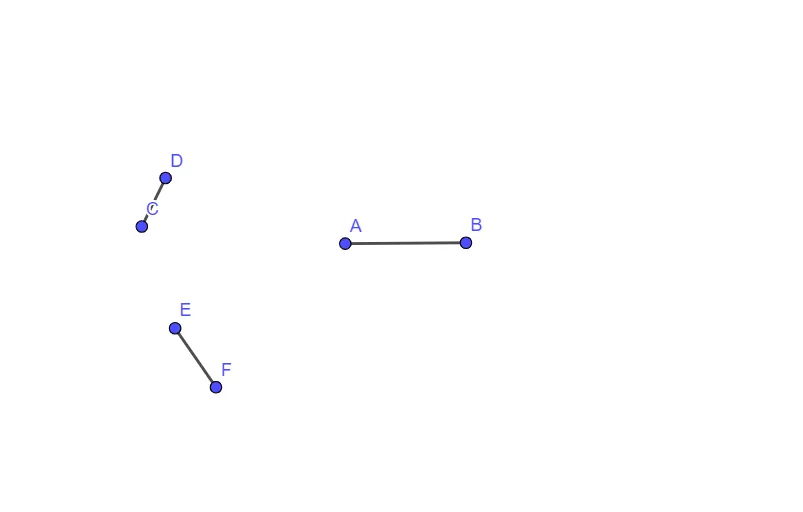
This example demonstrates Level 11 of “Euclid: The Game” by constructing a target configuration using carefully defined segments and auxiliary geometric objects. It focuses on classical circle geometry, especially incircle/inscribed-circle relationships tied to triangle structure, where angle and cutting constraints guide the construction. The core math ideas include circle geometry, triangle-related geometric dependencies, and the way trigonometric modeling/transformational reasoning can underpin such constructions. From the provided construction summary, the model is built using the GeoGebra command “Segment” to create key segment objects labeled A, B, C, D, E, F, and auxiliary quantities f, g, h, which serve as construction supports during the step-by-step build. These segments assemble the final diagram and reveal the intended geometric relations around the incircle/inscribed circle. Suitable for advanced secondary students and introductory undergraduate learners, as well as for classroom demonstration of geometric construction methods and visualization-driven problem solving.
GeoGebra Commands & Parameters
Segment(A, B) → fSegment(C, D) → gSegment(E, F) → h
AI Drawing Prompt Reference
Draw a geometric diagram featuring three line segments that connect two points to form a triangle, highlighting the relationships involving the incircle. Start by sketching the three line segments, then construct the incircle of the triangle based on these segments, clearly showing the points where the incircle touches each side of the triangle.
The prompt above was compiled from the original drawing commands and is for reference only.