
Equivalent Fractions by James P Robinson
Loading the math board and drawing, please wait…
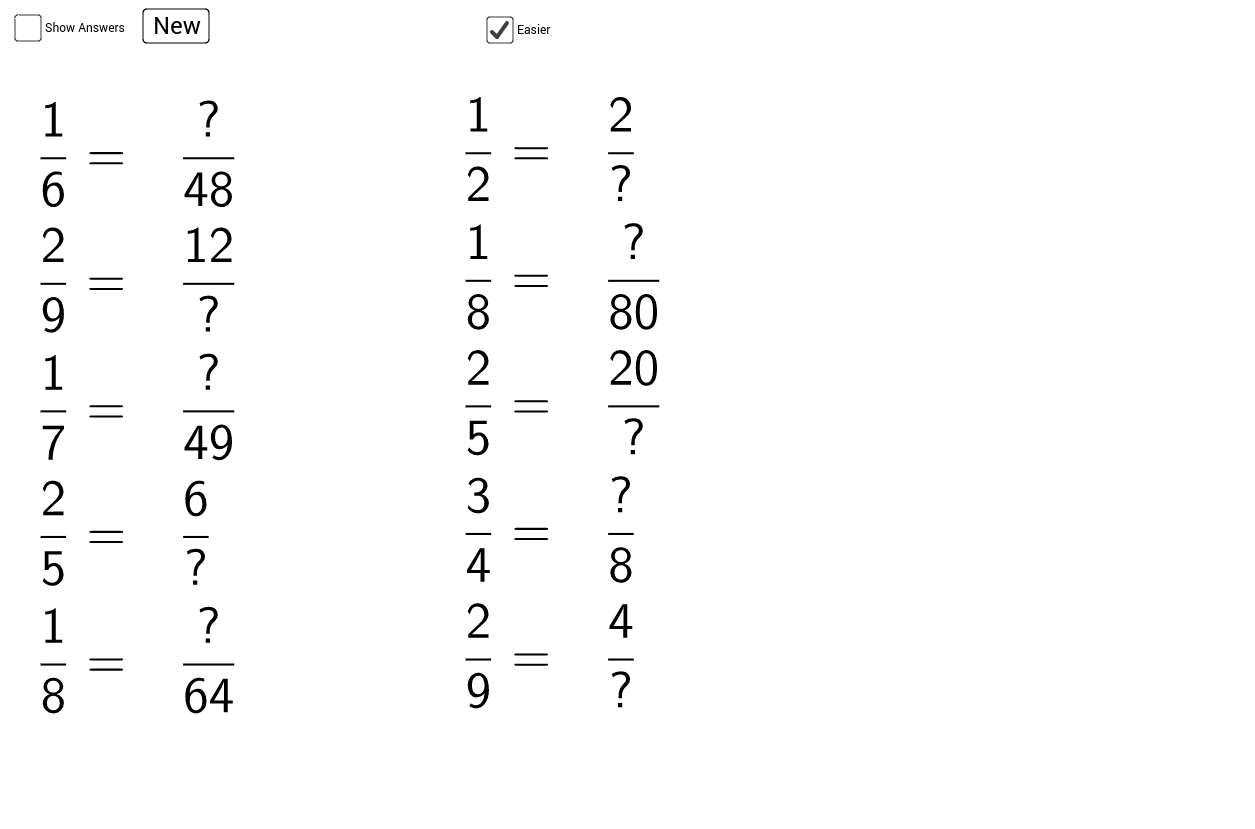
This example demonstrates the concept of equivalent fractions. By adjusting the numerator and denominator, equivalent fractions are generated. Commands such as Random, Numerator, Denominator, If, RandomElement, and TableText are used to construct multiple fractions and show their equivalence. Suitable for high-grade elementary and junior high school students to learn basic fraction concepts.
GeoGebra Commands & Parameters
Random(1, 5) → A1Random(A1 + 1, If[c, 10, 20]) → B1Numerator(C1) → D1Denominator(C1) → E1If(c, {2, 3, 4, 5, 6, 7, 8, 9, 10}, {2, 3, 4, 5, 6, 7, 8, 9, 10, 12, 20, 24, 50, 100}) → RRandomElement(R) → aRandomElement(R) → F1Random(1, 5) → A2Random(A2 + 1, If[c, 10, 20]) → B2Numerator(C2) → D2Denominator(C2) → E2RandomElement(R) → F2Random(1, 5) → A3Random(A3 + 1, If[c, 10, 20]) → B3Numerator(C3) → D3Denominator(C3) → E3RandomElement(R) → F3Random(1, 5) → A4Random(A4 + 1, If[c, 10, 20]) → B4Numerator(C4) → D4Denominator(C4) → E4RandomElement(R) → F4Random(1, 5) → A5Random(A5 + 1, If[c, 10, 20]) → B5Numerator(C5) → D5Denominator(C5) → E5RandomElement(R) → F5Random(1, 5) → A6Random(A6 + 1, If[c, 10, 20]) → B6Numerator(C6) → D6Denominator(C6) → E6RandomElement(R) → F6Random(1, 5) → A7Random(A7 + 1, If[c, 10, 20]) → B7Numerator(C7) → D7Denominator(C7) → E7RandomElement(R) → F7Random(1, 5) → A8Random(A8 + 1, If[c, 10, 20]) → B8Numerator(C8) → D8Denominator(C8) → E8RandomElement(R) → F8Random(1, 5) → A9Random(A9 + 1, If[c, 10, 20]) → B9Numerator(C9) → D9Denominator(C9) → E9RandomElement(R) → F9Random(1, 5) → A10Random(A10 + 1, If[c, 10, 20]) → B10Numerator(C10) → D10Denominator(C10) → E10RandomElement(R) → F10TableText({First[list2, 5], If[b, First[list1, 5], First[list3, 5]]}, "v") → text1TableText({Last[list2, 5], If[b, Last[list1, 5], Last[list3, 5]]}, "v") → text2