
Equilateral Triangle Construction and Observation
Loading the math board and drawing, please wait…
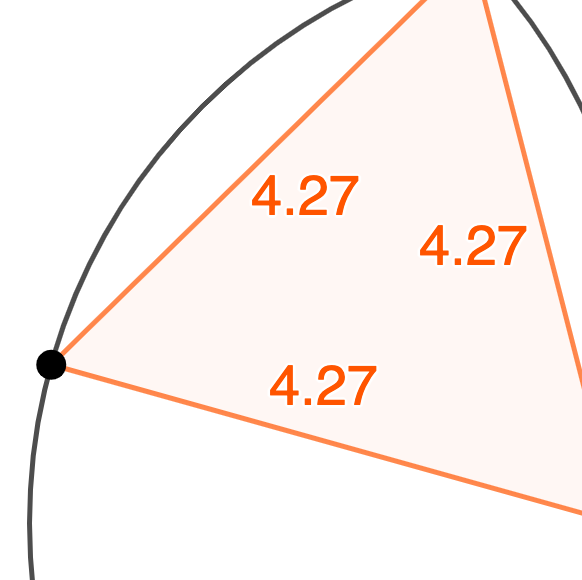
This example demonstrates constructing an equilateral triangle using GeoGebra and observing its geometric properties. An equilateral triangle is a special triangle with equal sides and angles, involving concepts like circles, similarity transformations, and function graphs. The construction steps include using the unit circle, the distance from the center to a vertex, and adjusting parameters for similarity transformations. Suitable for middle or high school mathematics to understand geometric transformations and symmetry.
AI Drawing Prompt Reference
Create a geometric construction diagram of an equilateral triangle on a coordinate plane. Start with a circle (for example, a unit circle) and its center point, using the radius (the distance from the center to a vertex) as the common side-length scale. Choose one point on the circle as an initial vertex, then determine the other two vertices by placing points on the circle in an equal-angle, equal-distance manner relative to the center so that all three sides match and the angles are equal. Connect the three vertices to form a closed triangle and highlight its symmetry and equilateral properties.
The prompt above was compiled from the original drawing commands and is for reference only.