
Equilateral Triangle and Transformation GeoGebra Practice
Loading the math board and drawing, please wait…
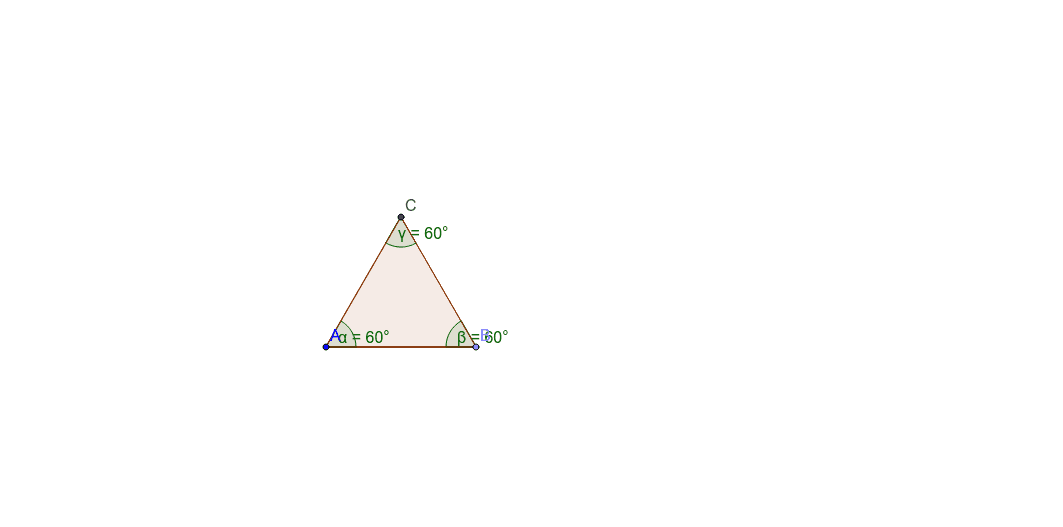
This example demonstrates the construction of equilateral triangles and their similarity transformations; involves core math concepts like equilateral triangles, standard deviation, trigonometry, similarity, circle, and functions; constructed using GeoGebra commands: Point, Segment, Polygon, Angle for objects A, B, a, poly1, b, c, d, C, α, β, γ; suitable for high school students learning geometric transformations and function graphs.
GeoGebra Commands & Parameters
Point(Circle[A, 3]) → BSegment(A, B) → aPolygon(A, B, 3) → poly1, b, c, d, CAngle(poly1) → α, β, γ
AI Drawing Prompt Reference
Draw an equilateral triangle and extend a circle with a radius of 3 units from one of its sides. Mark a point on the circle and connect it to the triangle's vertices to form a new triangle. Highlight the vertices of all triangles and label the angles within each triangle. Clearly outline all geometric elements using circles and line segments.
The prompt above was compiled from the original drawing commands and is for reference only.