
Equilateral Triangle and 60° Angle Construction
Loading the math board and drawing, please wait…
In collections
Integrated Math Constructions
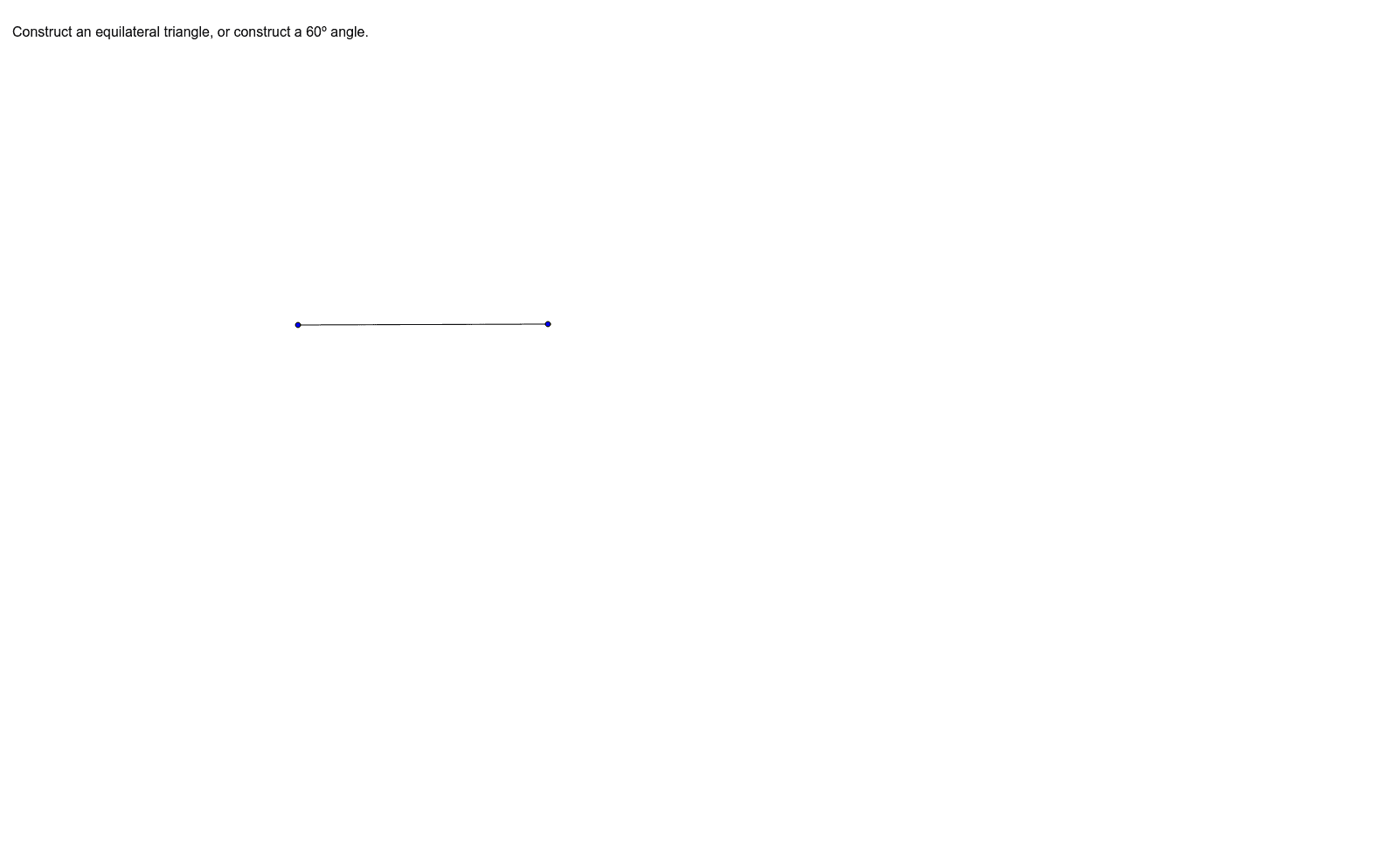
This GeoGebra example demonstrates constructing an equilateral triangle or a 60-degree angle using basic geometric tools. Key mathematical concepts include the properties of equilateral triangles, the relationship between side length and 60° angles, and fundamental construction principles. The construction utilizes the Segment command, point objects A, B, C, and text label text1, illustrating how to determine line segments and use circle intersections for precise geometric construction. Suitable for middle and high school geometry education, it helps students understand triangle construction methods and angle properties.
GeoGebra Commands & Parameters
Segment(B, C) → a
AI Drawing Prompt Reference
Draw an equilateral triangle using points A, B, C, and line segment a. Start by drawing a line segment between point A and point B. Then, draw a circle with point B as the center and the length of segment AB as the radius. Next, draw another circle with point A as the center and the same radius. The intersection of these two circles is point C. Finally, connect point B and point C. The triangle formed by points A, B, and C is an equilateral triangle.
The prompt above was compiled from the original drawing commands and is for reference only.