
Equation of a Straight Line by Spencer Page
Loading the math board and drawing, please wait…
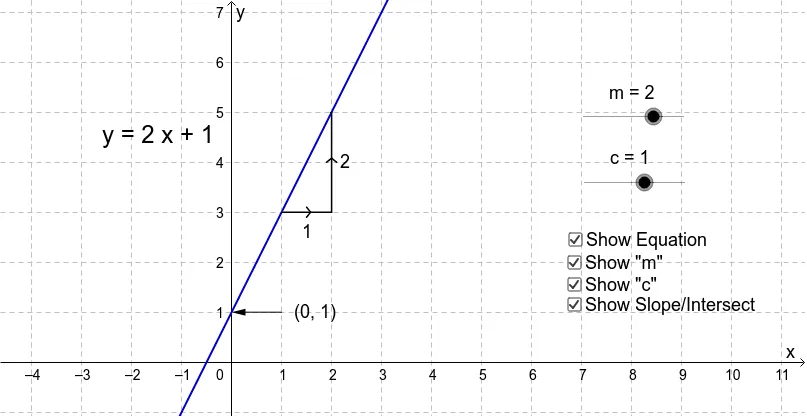
This example demonstrates the equation of a straight line, y = mx + c. It involves the core mathematical concepts of slope and y-intercept. Using GeoGebra commands such as Segment, Point, and Vector, one can construct and observe the changes in the line. Suitable for students from middle school and above to learn about the equation of a straight line and its geometric meaning.
GeoGebra Commands & Parameters
Segment(A, C) → gSegment(C, B) → hPoint(f) → DVector(E, D) → u
AI Drawing Prompt Reference
Draw a straight line to illustrate the equation y = mx + c. Start with a coordinate plane, then place two fixed points on the line and connect them with a segment. Add a movable point on the line, and from a fixed reference point, draw a vector pointing to this movable point to show the slope. The figure should include the line, two endpoints, a moving point, and a vector, emphasizing the relationship between slope and intercept.
The prompt above was compiled from the original drawing commands and is for reference only.