
Dynamic Geometry Demonstration of the Chocolate Bar Paradox
Loading the math board and drawing, please wait…
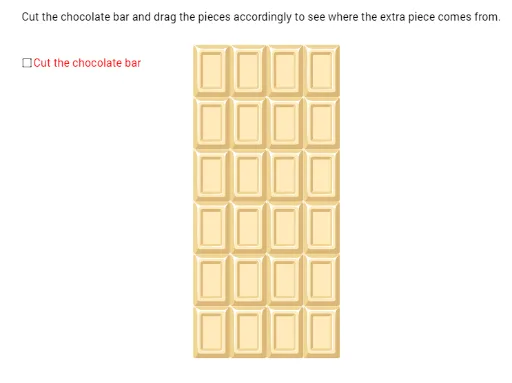
① This example dynamically demonstrates the classic 'Chocolate Bar Paradox' by cutting a rectangular chocolate bar in a specific way and rearranging the pieces, making it appear that the area remains unchanged while an extra piece emerges, prompting reflection on area conservation and visual illusion. ② Core mathematical concepts involve rectangle area, perimeter, rational numbers, the mean value theorem, and optimization problems, with emphasis on understanding the subtle differences in area calculation during cutting and reassembly, and how precise geometric parameters reveal the essence of the paradox. ③ Construction highlights: Using GeoGebra's Polygon command to create multiple polygons (e.g., poly2, poly3, poly4, poly5), defining points D, C, B, A and auxiliary points B', C', B_0, C_0, D_0, controlling cut positions via sliders or parameters, exporting figures with Export_1 and Export_2, incorporating images (pic1 to pic5) and text (text3) for step-by-step explanation, enabling dynamic interaction. ④ Suitable for upper secondary to early university students, for geometry teaching, mathematical paradox exploration, or as an intuitive introduction to area and limits in calculus, as well as for mathematical modeling or recreational math activities.
GeoGebra Commands & Parameters
Polygon(A, A + (4, 0), A + (4, 3), A + (0, 2)) → poly2, a, b, c, dPolygon(B, B + (0, 3), B + (-3, 3), B - (3, 0.75)) → poly3, e, f, g, hPolygon(D, D + (1, 0), D + (1, 1), D + (0, 1)) → poly5, m, n, p, qPolygon(C, C - (1, 0), C - (1, 3), C - (0, 2.75)) → poly4, i, j, k, l