
Drawing an Ellipse with Geometric Construction
Loading the math board and drawing, please wait…
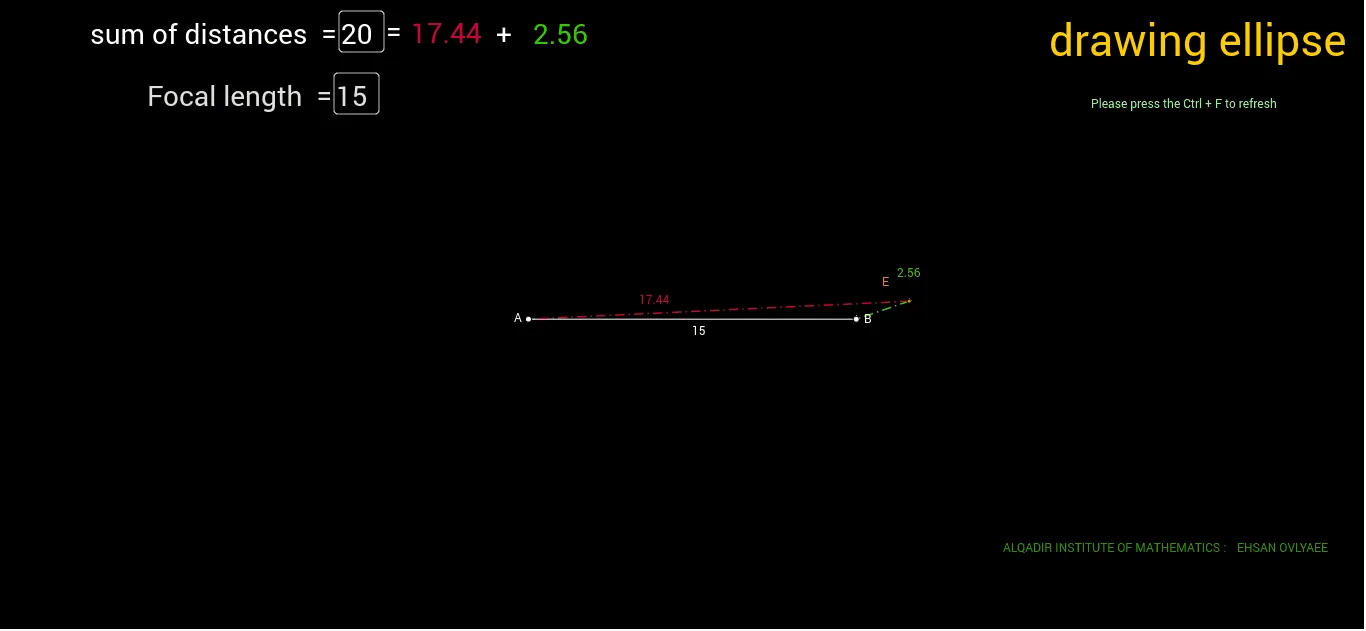
This example demonstrates how to draw an ellipse interactively in GeoGebra, incorporating a series of geometric constructions around it, including foci, vertices, midpoints, perpendicular lines, and text input fields. The core mathematical concepts involve the definition of an ellipse (constant sum of distances to two foci), properties of conic sections, and basic geometric relations such as midpoints and perpendicularity. The construction uses the Ellipse command to create the ellipse directly, along with Point, Segment, Midpoint, OrthogonalLine to build auxiliary points and lines, and Textfield/Text for dynamic labels. It is suitable for high school or early college students to understand the geometric construction of an ellipse, and also serves as a classroom demonstration for teachers to illustrate ellipse properties and geometric construction tools.
GeoGebra Commands & Parameters
Intersect(a, c) → AIntersect(a, b) → BEllipse(A, B, D) → dPoint(d) → ESegment(E, A) → eSegment(E, B) → hSegment(D, B) → iSegment(D, A) → jSegment(A, B) → mMidpoint(A, B) → IOrthogonalLine(I, m) → nTextfield(K) → فیلدمتن2Text(e) → متن2Text(h) → متن3Textfield(C) → فیلدمتن1Segment(F, G) → gPoint(g) → H