
Dragging Test: Quadrilaterals Demo
Loading the math board and drawing, please wait…
In collections
MalinC's GeoGebra-book
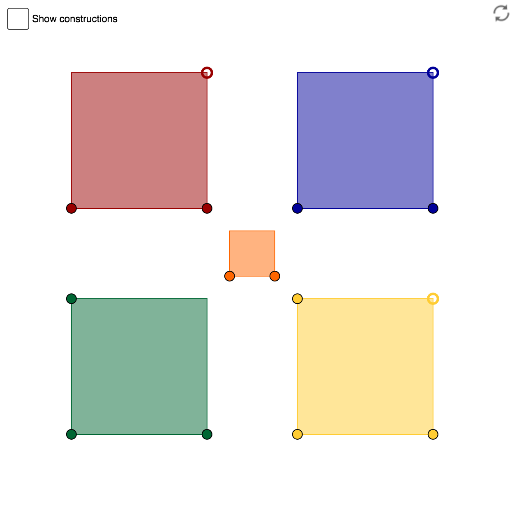
This example demonstrates the geometric properties of rectangles, rhombuses, parallelograms, and trapezoids through dragging. It covers core math concepts like quadrilateral classification, area calculation, and geometric transformations. Construction involves commands such as Line, Intersect, Circle, Point, Polygon, OrthogonalLine, and Ray. Suitable for middle school and above students to learn quadrilateral properties and geometric constructions.
GeoGebra Commands & Parameters
Line(A, B) → aLine(B, C) → bLine(C, a) → cLine(A, b) → dIntersect(c, d) → DLine(E, F) → eCircle(F, E) → fPoint(f) → GLine(G, F) → gLine(E, g) → hLine(G, e) → iIntersect(h, i) → HPolygon(A, B, C, D) → poly1, a_1, b_1, c_1, d_1Polygon(E, F, G, H) → poly2, e_1, f_1, g_1, h_1Line(I, J) → jLine(K, j) → kPoint(k) → LLine(M, N) → mOrthogonalLine(N, m) → nPoint(n) → OLine(O, m) → pLine(M, n) → qIntersect(p, q) → PPolygon(M, N, O, P) → poly4, m_1, n_1, o_1, p_1Ray(K, L) → lPoint(l) → QPolygon(I, J, Q, K) → poly3, i_1, j_1, q_1, k_1Polygon(NewA, NewB, 4) → poly5, r, s, t, l_1, R, S
AI Drawing Prompt Reference
Draw a geometric diagram showing the properties of rectangles, rhombuses, parallelograms, and trapezoids through dragging. Start by drawing four line segments that intersect to form four vertices, then construct four polygons using these vertices: a rectangle, a rhombus, a parallelogram, and a trapezoid. Next, draw a circle and two line segments, with their intersection forming a new polygon. Then draw two line segments and their perpendicular lines, with their intersection forming another polygon. Finally, draw a ray and two points to form a third polygon.
The prompt above was compiled from the original drawing commands and is for reference only.