
Double Number Line for Perimeter/Width Relationship
Loading the math board and drawing, please wait…
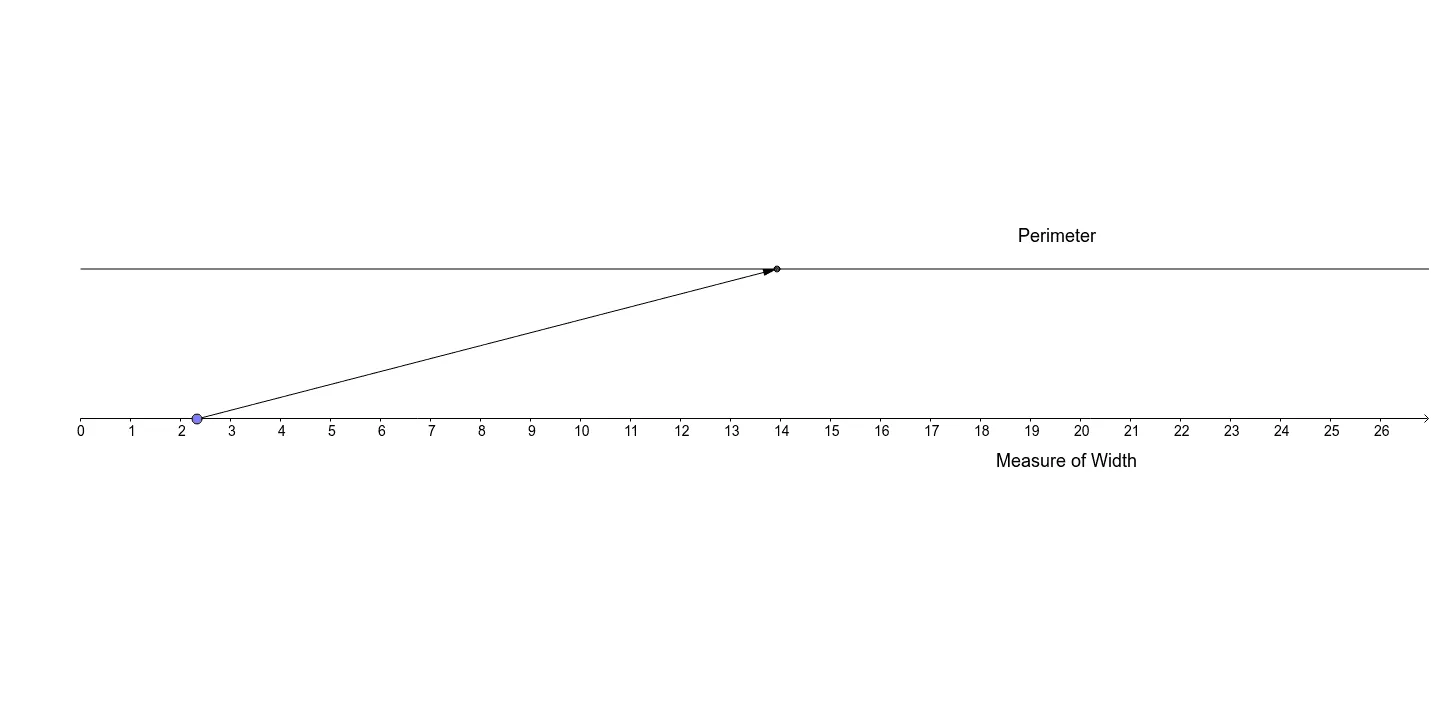
This example uses a dynamic double number line to illustrate the relationship between the perimeter and width of a figure. Key mathematical concepts include proportional and linear relationships. The construction involves commands such as Intersect, Point, Ray, and Vector. Suitable for high school mathematics education.
GeoGebra Commands & Parameters
Intersect(a, yAxis) → APoint(a) → BRay(A, B) → bPoint(xAxis) → CVector(C, D) → u
AI Drawing Prompt Reference
Draw two parallel number lines, select a point on the first number line, and draw a ray starting from this point. Take a point on the second number line and draw a vector from this point. Construct a figure using the point and ray from the first number line and the point and vector from the second number line to illustrate the proportional and linear relationship between perimeter and width, suitable for high school mathematics education.
The prompt above was compiled from the original drawing commands and is for reference only.