
Domino Effect
Loading the math board and drawing, please wait…
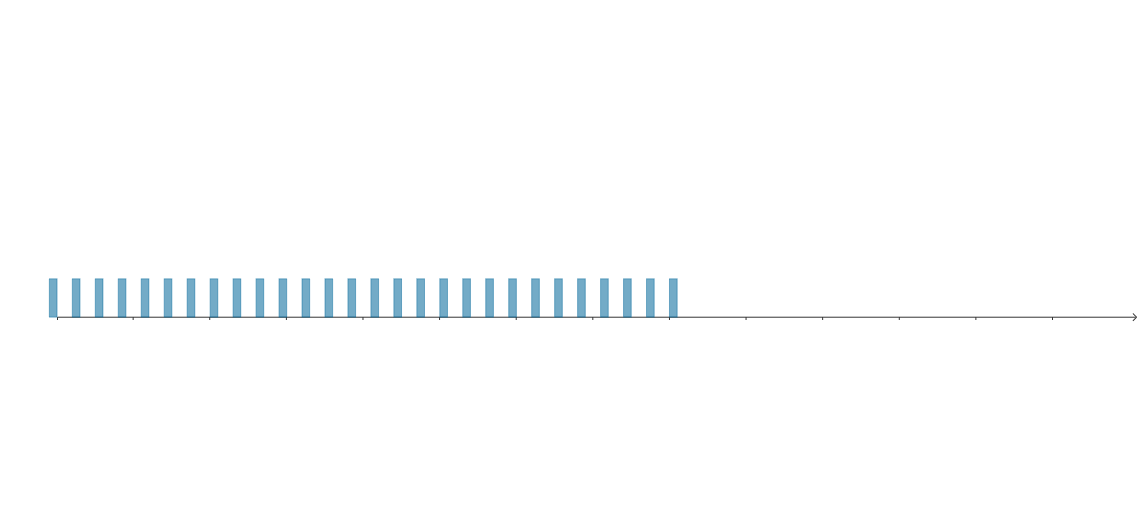
This example demonstrates the domino effect. It involves concepts such as vectors and geometric transformations. Using commands like Circle, CircleArc, Point, UnitVector, and Sequence in GeoGebra, the arrangement and falling of dominos can be dynamically shown. Suitable for high school mathematics education, particularly in coordinate geometry and geometric construction.
GeoGebra Commands & Parameters
Circle((0, 0), h) → cCircleArc((0, 0), Rotate[(0, h), (-angMax)], (0, h)) → arcPoint(arc) → MUnitVector(Vector[Direction[Tangent[M, c]]]) → tanMSequence(If[k > N - 1, Translate[base(1), ((k * d), 0)], Translate[Rotate[base(1), ang(N - k), (0, 0)], ((k * d), 0)]], k, 0, n - 1) → dom
AI Drawing Prompt Reference
Draw a circle and then create an arc on its circumference from the center, rotating counterclockwise to a specified angle. Mark a point on the arc and determine the tangent direction at this point to generate a unit vector. Sequentially translate and rotate a base shape starting from the bottom, simulating falling dominos to illustrate the domino effect dynamically.
The prompt above was compiled from the original drawing commands and is for reference only.