
Domain and Range Line Segment
Loading the math board and drawing, please wait…
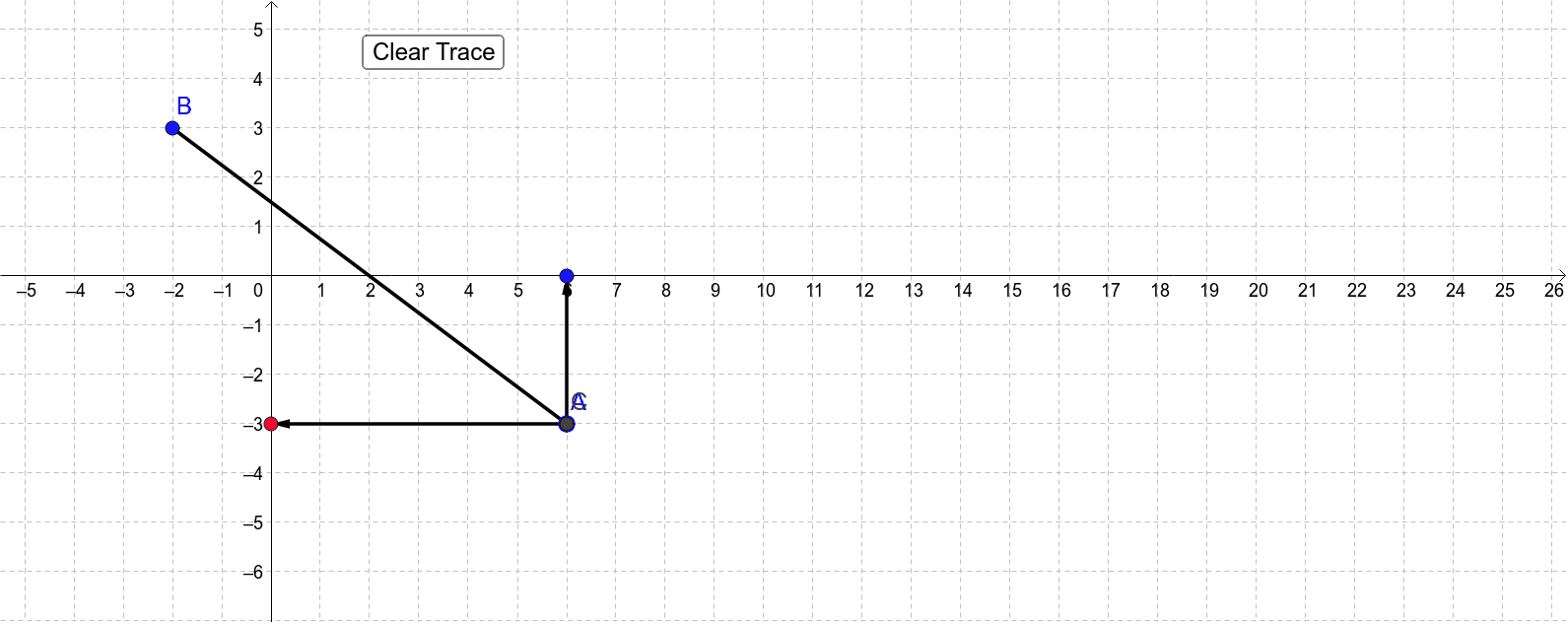
This example demonstrates how to draw the domain and range line segment of a function. It involves core math concepts like domain and range, line segments, vectors, and distance calculations. Construction highlights include using commands like Segment, Point, Vector, and Distance in GeoGebra for dynamic manipulation. Suitable for high school mathematics education to understand the geometric representation of function graphs and transformations.
GeoGebra Commands & Parameters
Segment(A, B) → aPoint(a) → CVector(C, D) → uVector(C, E) → vDistance(C, A) → distanceCA
AI Drawing Prompt Reference
Draw the domain and range line segment of a function. First, draw a line segment AB. Then, take a point C on the line segment AB. Next, draw vectors u and v from point C. Finally, calculate the distance from point C to point A.
The prompt above was compiled from the original drawing commands and is for reference only.