
Distance Formula Demo
Loading the math board and drawing, please wait…
In collections
College Stuff
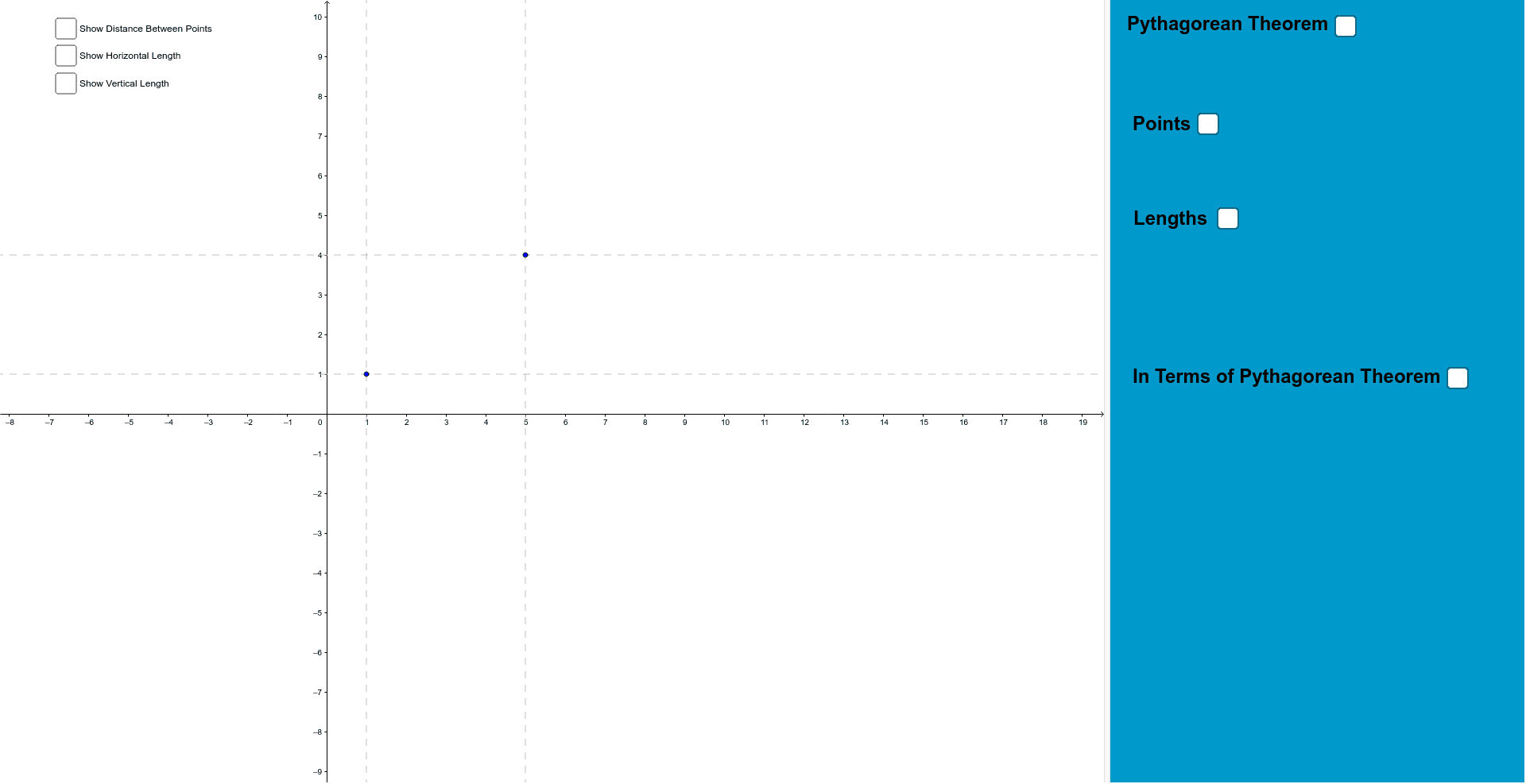
This example demonstrates how to use GeoGebra to calculate and visualize the distance formula between two points. It involves core math concepts like distance formula, coordinate geometry, and right triangles. Construction highlights include using commands like Segment, Textfield, and Line. Suitable for high school students learning about the distance formula and its applications.
GeoGebra Commands & Parameters
Segment(Point_1, (x(Point_2), y(Point_1))) → aSegment(Point_2, (x(Point_2), y(Point_1))) → bSegment(Point_1, Point_2) → cSegment(Point_2, (x(Point_2), 0)) → gSegment(Point_2, (0, y(Point_2))) → hSegment(Point_1, (x(Point_1), 0)) → iSegment(Point_1, (0, y(Point_1))) → jTextfield(Point_1) → inputBox1Textfield(Point_2) → inputBox2Line(Point_1, xAxis) → lLine(Point_2, yAxis) → mLine(Point_2, l) → nLine(Point_1, yAxis) → p