
B Trig Transformations Explanation
Loading the math board and drawing, please wait…
In collections
College Stuff
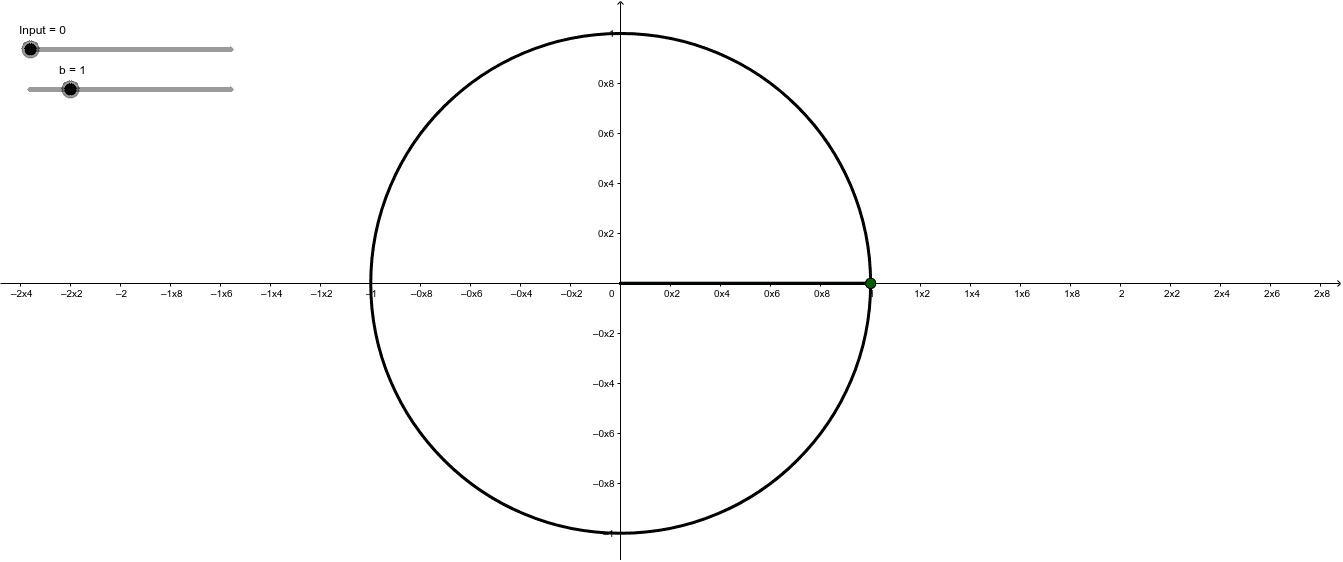
This GeoGebra example dynamically illustrates trigonometric transformations, focusing on how angle rotation relates to coordinate changes on the unit circle. Core mathematical concepts include sine and cosine functions, radian and degree measures, rotational symmetry, and trigonometric identities. The construction uses GeoGebra commands such as Rotate to rotate points or segments, Circle to create the unit circle, Angle to mark rotation angles, and Segment to connect points forming triangles or auxiliary lines. Key objects include input point B, rotated points B' and its variants, and angles α, β, θ. Suitable for high school or early college students learning trigonometric function transformations, unit circle definitions, and rotation geometry, as well as for teachers demonstrating how parameter changes affect function graphs in an interactive classroom setting.
GeoGebra Commands & Parameters
Rotate(B, (Input * b) + h, A) → B'_2Circle((0, 0), 1) → cRotate(B, Input, A) → B'Angle(B, A, B') → βSegment(A, B') → fSegment(A, B) → gRotate(B, (b * Input), A) → B'_1Segment(A, B'_2) → kAngle(B, A, B'_2) → αAngle(B, A, B'_2) → θ