
Dilation on a Line by Mr.Hanan
Loading the math board and drawing, please wait…
In collections
Dilations
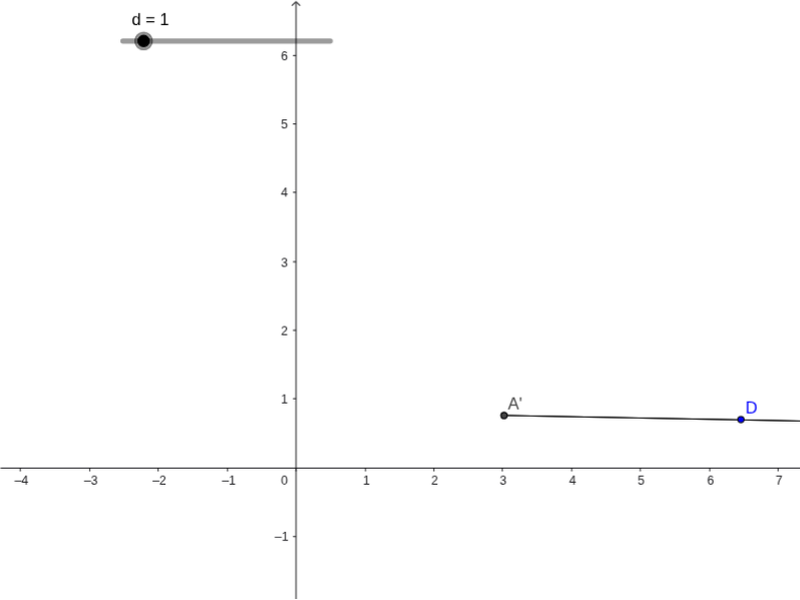
This example demonstrates dilation on a line. Key concepts include dilation, straight lines, and angles. Using GeoGebra commands such as Polygon, Intersect, and Segment, the construction of dilation effects is shown. Suitable for students at the middle school level and above to learn about the concept and application of dilation.
GeoGebra Commands & Parameters
Polygon(Dilate[A, d, D], Dilate[B, d, D], Dilate[C, d, D]) → poly1, a, b, cIntersect(a, c) → A'Intersect(a, b) → B'Segment(A', B') → eSegment(A, B) → f
AI Drawing Prompt Reference
Draw a diagram to demonstrate dilation on a line, including a triangle and a straight line. First, scale the vertices of the triangle along the line by a certain ratio, then connect the scaled vertices to the original vertices to form two line segments, and finally connect the two scaled vertices to show the dilation effect.
The prompt above was compiled from the original drawing commands and is for reference only.