
Dilation of a Line Segment
Loading the math board and drawing, please wait…
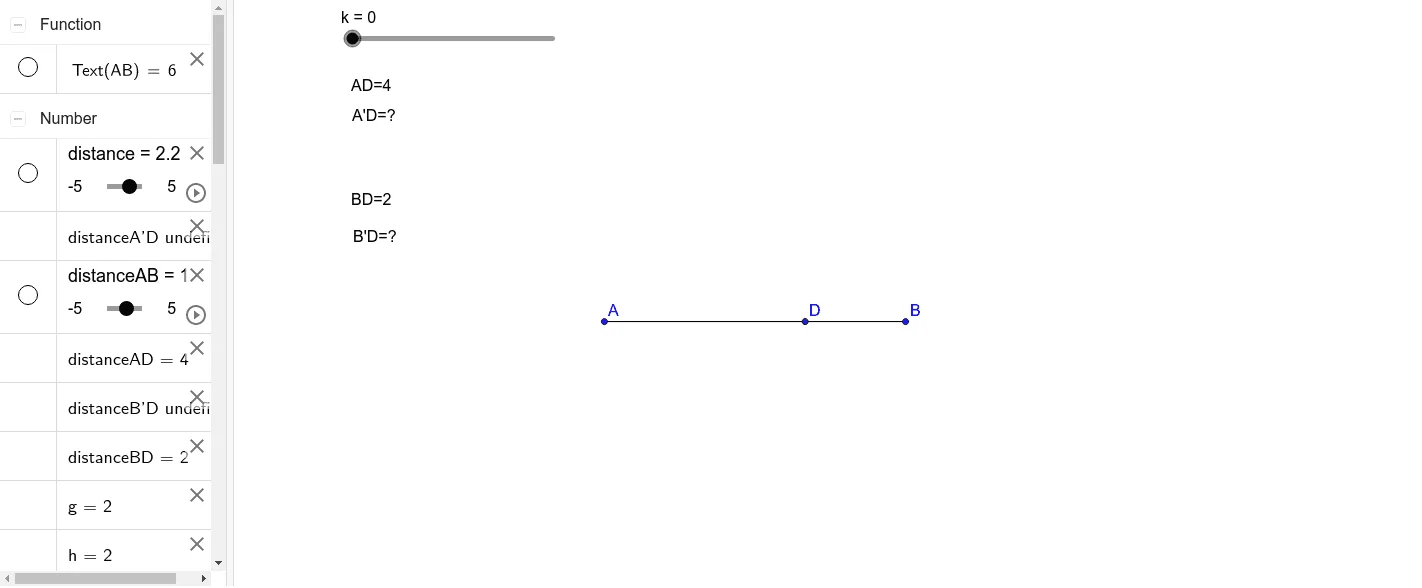
This example demonstrates the dilation of a line segment. Key mathematical concepts include similarity transformation and the ratio of line segment lengths. Using GeoGebra commands such as Polygon, Intersect, Segment, and Distance, the example constructs a similar line segment. Suitable for students at the junior high school level and above.
GeoGebra Commands & Parameters
Polygon(Dilate[A, k, D], Dilate[B, k, D], Dilate[C, k, D]) → poly1, a, b, cIntersect(a, b) → B'Intersect(a, c) → A'Segment(A, B) → eDistance(A, D) → distanceADDistance(B, D) → gDistance(B, D) → hDistance(B, D) → distanceBDDistance(B', D) → distanceB'DDistance(A', D) → iSegment(A', B') → A'B'Distance(A', D) → distanceA'D
AI Drawing Prompt Reference
Draw a similar transformation of a line segment. Given line segment ABC, perform a dilation with point D as the center and scale factor k to get the new line segment A'B'. First, use the dilation to find the endpoints A' and B' of the new line segment, then connect A' and B' to form line segment A'B'. Observe the length relationship between line segment A'B' and the original line segment ABC.
The prompt above was compiled from the original drawing commands and is for reference only.