
Dilation and Symmetry Exploration
Loading the math board and drawing, please wait…
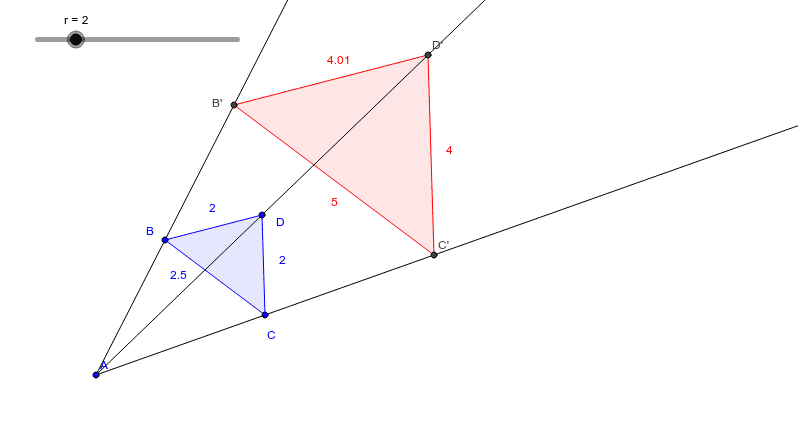
This applet explores the relationship between similar figures through geometric transformations, demonstrating how to generate similar figures using dilation and symmetry transformations. It utilizes commands like Polygon and Ray for construction. Suitable for middle school and above students to learn about similarity and symmetry.
GeoGebra Commands & Parameters
Polygon(B, C, D) → poly1, d, b, cRay(A, B) → aRay(A, D) → eRay(A, C) → fPolygon(B', C', D') → poly2, d', b', c'
AI Drawing Prompt Reference
Draw a triangle defined by three points, then from one vertex, draw three rays pointing to the other two vertices. Next, form a triangle using these rays as sides, and finally draw another triangle in a similar manner to demonstrate the construction of similar figures.
The prompt above was compiled from the original drawing commands and is for reference only.