
Deriving the Trapezium Area Formula
Loading the math board and drawing, please wait…
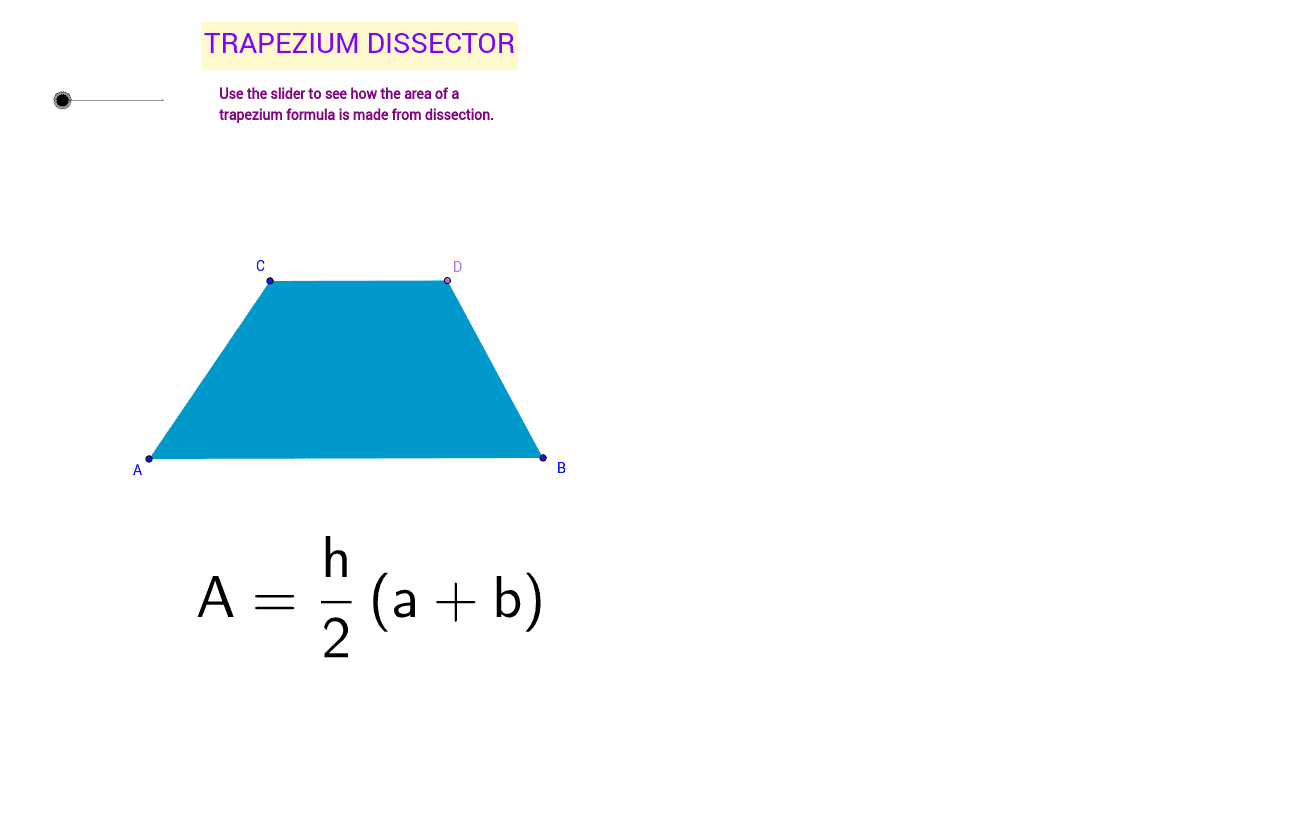
This example demonstrates the derivation of the trapezium area formula using a slider, allowing students to visually understand the process. Key math concepts include trapezium, area calculation, parallel lines, and secant lines. GeoGebra commands like Segment, Line, Point, Polygon, OrthogonalLine, Intersect, LineBisector, and Rotate are used to construct the trapezium and auxiliary lines, with the slider animating the formula derivation. Suitable for middle school and above mathematics education.
GeoGebra Commands & Parameters
Segment(A, B) → aLine(C, a) → bPoint(b) → DPolygon(A, B, D, C) → poly1, a_1, b_1, d, cLine(A, B) → ePoint(b) → EOrthogonalLine(E, b) → fIntersect(e, f) → FLineBisector(E, F) → gIntersect(g, b_1) → GIntersect(g, c) → HPolygon(C, D, G, H) → poly2, c_1, d_1, g_1, hRotate(C, (-180)° * i, G) → C'Rotate(D, (-180)° * i, G) → D'Rotate(G, (-180)° * i, G) → G'Rotate(H, (-180)° * i, G) → H'Polygon(C', D', G', H') → poly2', c', d', g', h'Segment(H, G) → jPolygon(H, G, B, A) → poly3, h_1, g_2, b_2, a_2Segment(A, C') → kSegment(A, B) → lSegment(C', D') → mSegment(C, D) → nLineBisector(C, D) → pIntersect(p, n) → IIntersect(p, a) → JSegment(I, J) → qIntersect(j, q) → KSegment(K, J) → r
AI Drawing Prompt Reference
Draw a trapezoid and demonstrate its area formula derivation using a slider. Start by sketching the parallel sides and vertices of the trapezoid, then add auxiliary line segments and perpendicular lines to show how the trapezoid is divided into two triangles and a rectangle. Use rotation and intersection operations to derive the area formula.
The prompt above was compiled from the original drawing commands and is for reference only.