
Derivatives and Incircle: Interactive Tangent Slope and Geometric Construction
Loading the math board and drawing, please wait…
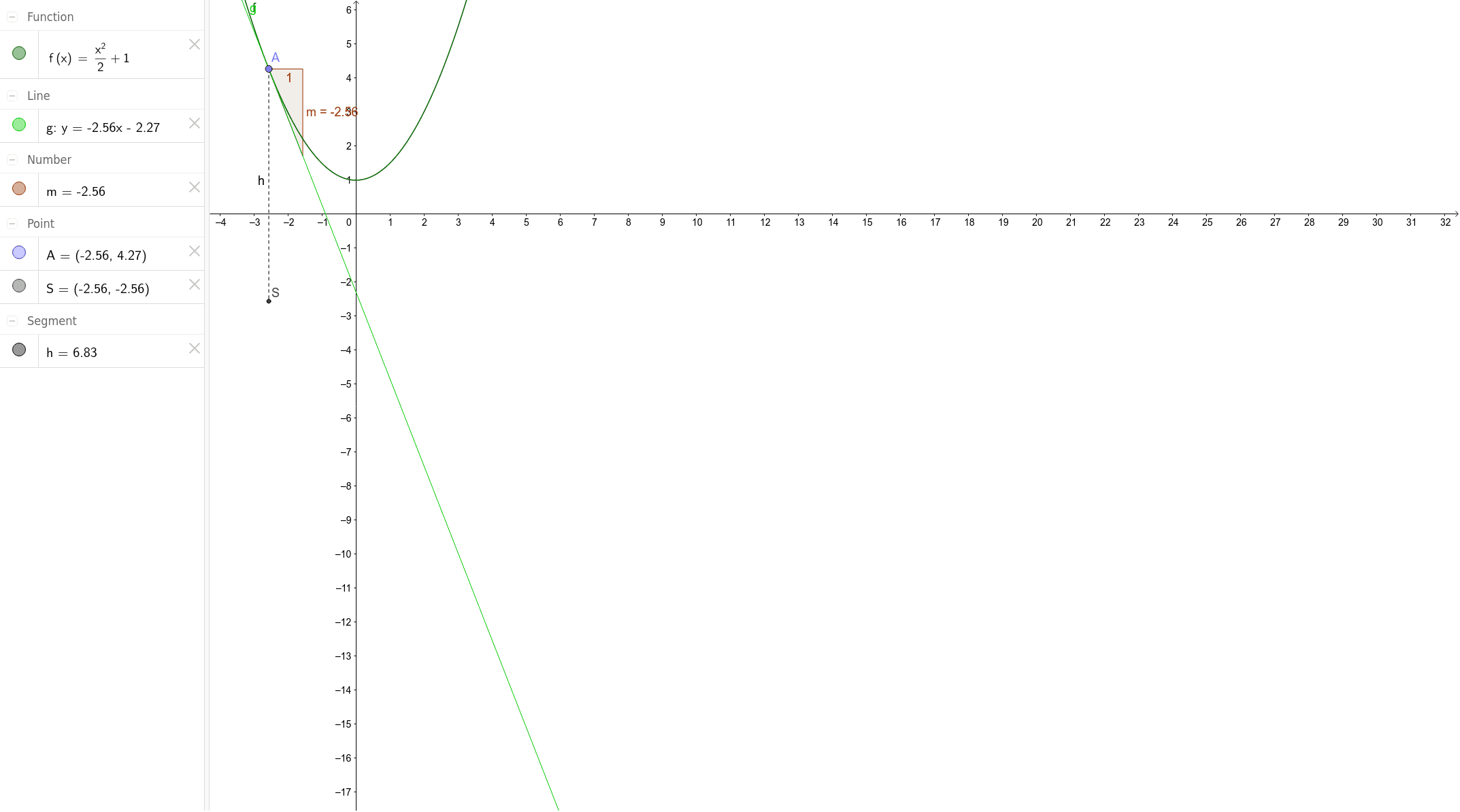
This GeoGebra example dynamically demonstrates the relationship between the slope of a tangent line (derivative) at a point on a function graph and the geometric construction of an incircle. The core mathematical concepts include the geometric meaning of derivatives—tangent slope—and the property of an incircle tangent to all sides of a triangle. Construction highlights: using the Point command to place a movable point A on function f, the Tangent command to create the tangent line g at A, the Slope command to measure its slope m, and the Incircle or Inscribed Circle tool to construct the incircle, with Segment command linking auxiliary segments S and h. This is suitable for high school or early college calculus students to intuitively grasp the interaction between derivatives and geometric figures, explore how tangent slope changes with circle radius or position, and strengthen visual-spatial reasoning.
GeoGebra Commands & Parameters
Point(f) → ATangent(A, f) → gSlope(g) → mSegment(A, S) → h
AI Drawing Prompt Reference
Draw a function curve with a movable point on it. At this point, construct the tangent line to the curve and display its slope value. Also, form a triangle in the figure and draw its incircle. Connect the movable point to one vertex of the triangle with a segment to show the geometric relationship. The scene should illustrate the connection between the derivative (tangent slope) and the incircle's geometric properties.
The prompt above was compiled from the original drawing commands and is for reference only.