
Decimal Multiplication
Loading the math board and drawing, please wait…
In collections
Primary School Mathematics Collection
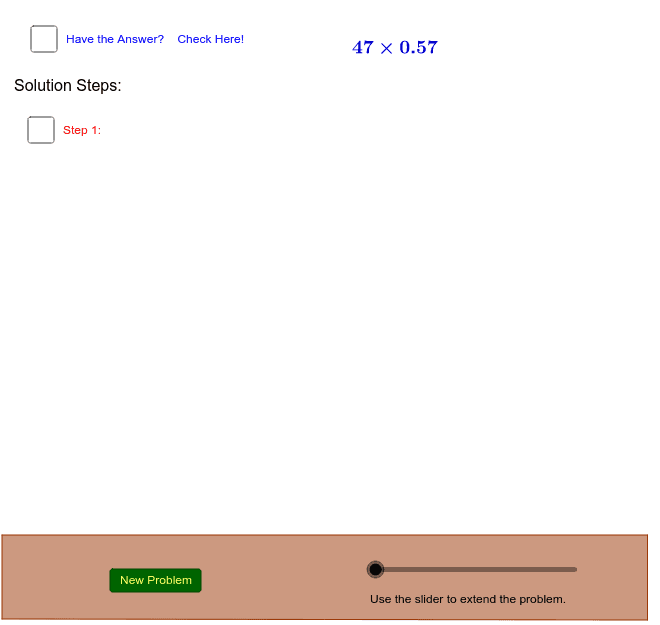
This example demonstrates how to calculate the multiplication of a whole number and a decimal number step-by-step using GeoGebra. Key mathematical concepts include the steps and methods of decimal multiplication. Commands used include Random, Vector, Polygon, etc. Suitable for high-grade elementary or junior high school students.
GeoGebra Commands & Parameters
Random(11, 99) → BRandom(11, 99) → AVector(E, F) → uVector(G, H) → vVector(I, J) → wPolygon(K, L, M, N) → poly1, k, l, m, n_1
AI Drawing Prompt Reference
Draw a step-by-step diagram of multiplying a whole number and a decimal number. First, generate two random integers between 11 and 99, then use these integers to create two vectors. Next, construct a quadrilateral to represent the multiplication process.
The prompt above was compiled from the original drawing commands and is for reference only.