
Cylinder Slice
Loading the math board and drawing, please wait…
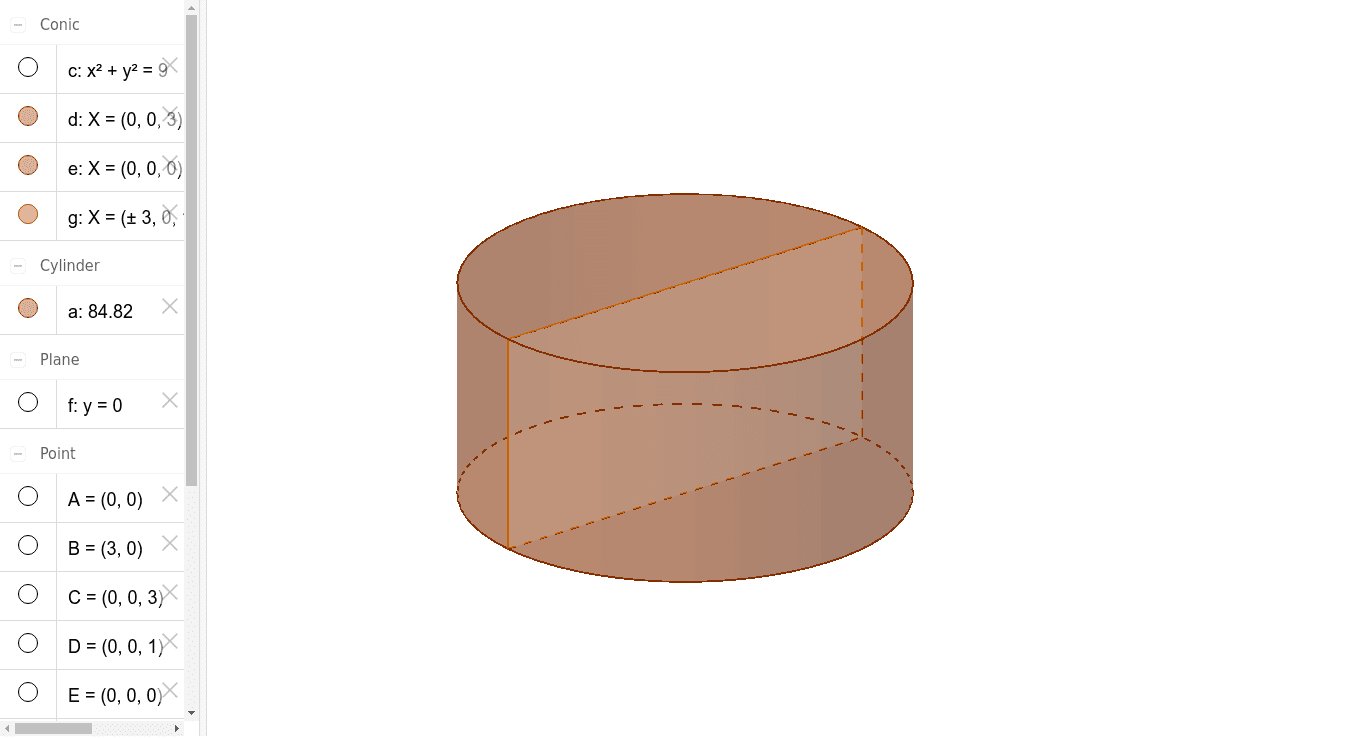
This example demonstrates the cross-section shape of a cylinder when it is intersected by a plane. Key mathematical concepts include the cross-section of a cylinder in solid geometry and the intersection of a plane and a cylinder in coordinate geometry. Using GeoGebra commands such as Intersect, Circle, Point, Cylinder, and Plane, the shape of the cross-section can be visually demonstrated. Suitable for high school mathematics education, particularly in solid geometry and coordinate geometry.
GeoGebra Commands & Parameters
Intersect(xAxis, yAxis) → ACircle(A, B) → cPoint(zAxis) → CCylinder(C, A, 3) → a, d, e, bPoint(zAxis) → DIntersect(yAxis, xAxis) → EPoint(xAxis) → FPlane(D, F, E) → fIntersectPath(f, a) → gCorner(g) → G, H, I, J
AI Drawing Prompt Reference
Draw a cylinder and then use a plane to intersect it to show the shape of the cross-section. First, draw a cylinder, then draw a plane to intersect with the cylinder, and finally show the shape of the cross-section.
The prompt above was compiled from the original drawing commands and is for reference only.