
Cylinder Key Geometric Model
Loading the math board and drawing, please wait…
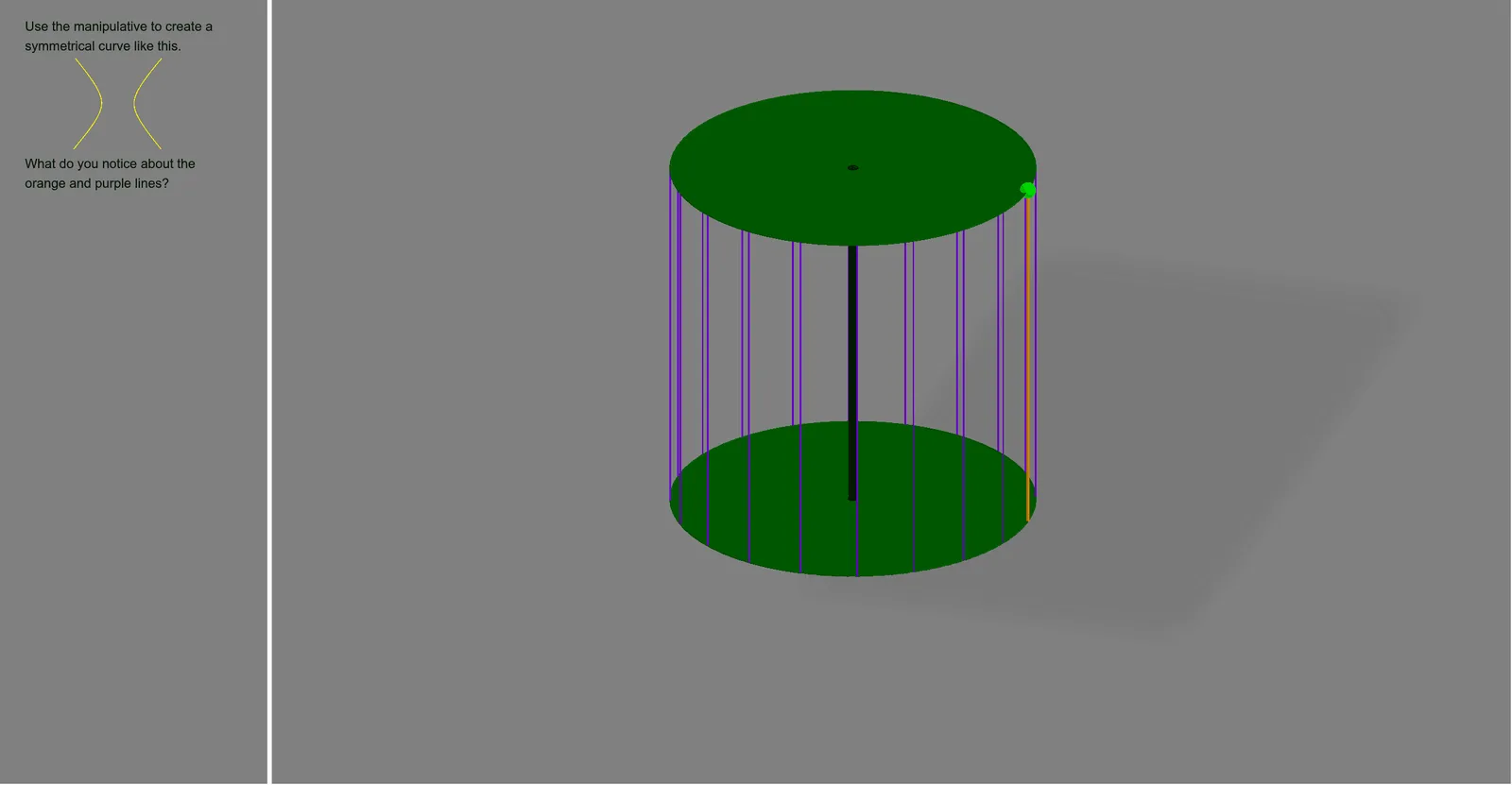
This example demonstrates a geometric model of a cylinder key, involving concepts such as cylinders, straight lines, and spheres. Using GeoGebra commands like Point, CircleArc, Circle, Angle, etc., the construction process of the cylinder can be dynamically shown. Suitable for high school mathematics teaching and students learning solid geometry.
GeoGebra Commands & Parameters
Point(xAxis) → ACircleArc(H, B, D) → eCircle(zAxis, B) → dPoint(e) → CAngle(C, H, B) → thetaCircle(zAxis, A) → cSequence(((r * cos((k * a) + theta)), (r * sin((k * a) + theta)), 8), k, 0, n) → list1Sequence(((r * cos((k * a))), (r * sin((k * a))), 0), k, 0, n) → list2Sequence(Segment[Element[list2, k], Element[list1, k]], k, 1, n + 1) → list3Segment(B, H) → hSegment(C, H) → iCylinder(O, H, 0.1) → b, b_2, b_3, b_4Point(xAxis) → ISegment(Element[list1, 1], Element[list2, 1]) → fConic(A, F, E, G, B) → g
AI Drawing Prompt Reference
Draw a 3D geometric model of a cylinder key. Place two points on the vertical axis as centers for the top and bottom circular faces. Draw a circle on the horizontal plane for the bottom base and a smaller circle for the top. Pick a point on the bottom circle and connect it to the top center to form a slant line. Pick another point on the bottom circle and connect it to the top center to form another slant line, creating an angle between them. Connect corresponding points on the two circles with multiple vertical segments to form a side grid. Add a thin cylinder inside as the key shafthol and draw a curve near the bottom to represent the key teeth. Show the combination of cylinders, lines, and spheres.
The prompt above was compiled from the original drawing commands and is for reference only.