
Cylinder Construction and Volume Calculation
Loading the math board and drawing, please wait…
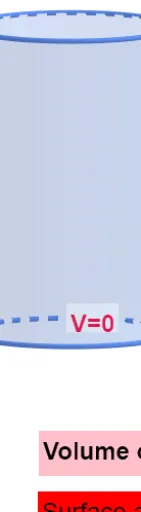
① This GeoGebra example dynamically demonstrates the 3D construction of a cylinder, including its base circle, lateral surface, and the visualization of its volume. ② Core mathematical concepts involve solid geometry: definition of a cylinder, relationship between base radius and height, volume formula V=πr²h, and geometric transformations (e.g., rotation) applied to 3D shapes. ③ Construction highlights: from the summary, commands such as Intersect, Circle, and Cylinder are used, with objects A, B (center and point), r (radius), h (height), c (circle), C (cylinder), plus a button (button1) and texts (text1/text2/text3) to interactively display volume V and surface area S. ④ Suitable for upper middle school or high school students (e.g., geometry or solid geometry courses) to understand cylinder properties, and for teachers to use in classroom demonstrations or for students to explore how changing parameters affects volume.
GeoGebra Commands & Parameters
Intersect(xAxis, yAxis) → ACircle(A, r) → cCylinder(A, B, r) → a, d, e, bCylinder(A, C, r) → f, g, k, i
AI Drawing Prompt Reference
Draw a cylinder showing its base circle, lateral surface, and volume. The base circle is at the intersection of the coordinate axes with its radius controlled by a slider. The cylinder is formed by extruding the base circle along the vertical axis to a height controlled by another slider. Display the cylinder's volume and surface area dynamically with text, and allow interactive updates via a button.
The prompt above was compiled from the original drawing commands and is for reference only.