
Cycloid
Loading the math board and drawing, please wait…
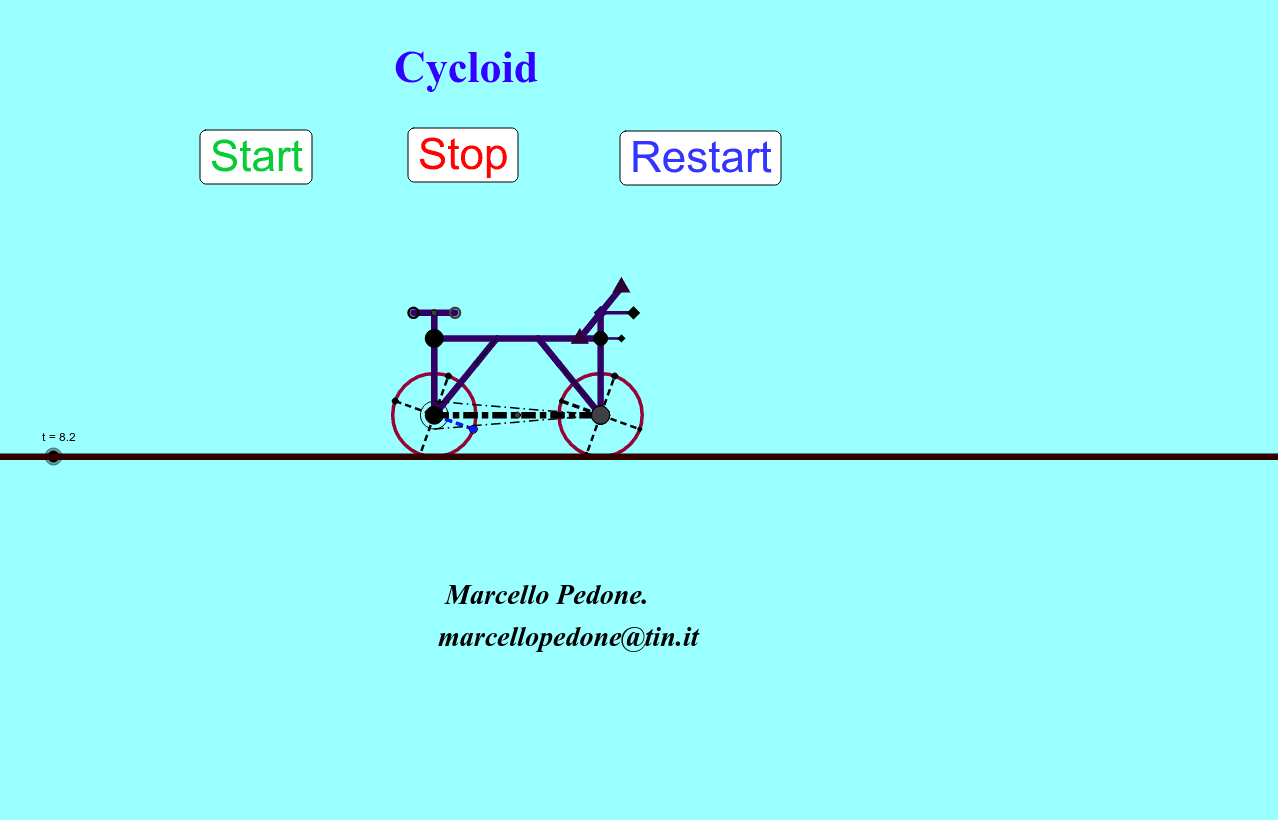
This example demonstrates the cycloid, the path traced by a point on the rim of a circular wheel rolling along a straight line without slippage. It involves core math concepts like parametric equations, coordinate geometry, derivatives, integrals, and limits. Construction highlights include commands like Circle, Segment, Line, OrthogonalLine, Intersect, Mirror, Point, and Midpoint, as per the GeoGebra summary. Suitable for high school students and math enthusiasts exploring curve constructions and related theories.
GeoGebra Commands & Parameters
Circle(C, r) → cSegment(P, C) → aLine(P, C) → bOrthogonalLine(C, b) → dIntersect(d, b) → AIntersect(c, d) → B, DIntersect(c, b) → E, FLine(D, C) → eLine(F, C) → fLine(C, B) → gSegment(C, D) → hSegment(C, F) → iSegment(C, B) → jMirror(c, yAxis) → c'Mirror(P, yAxis) → P'Point(xAxis) → GOrthogonalLine(G, xAxis) → kMirror(c', k) → c''Mirror(P', k) → P''Mirror(C, yAxis) → C'Mirror(B, yAxis) → B'Segment(C', B') → j'Mirror(C, yAxis) → C'_1Mirror(D, yAxis) → D'Segment(C'_1, D') → h'Mirror(C, yAxis) → C'_2Mirror(B, yAxis) → B'_1Segment(C'_2, B'_1) → j'_1Mirror(C', k) → C''Mirror(C', k) → C''_1Mirror(B', k) → B''Segment(C''_1, B'') → j''Mirror(C'_1, k) → HMirror(D', k) → D''Segment(H, D'') → h''Mirror(P, yAxis) → P'_1Mirror(C, yAxis) → C'_3Segment(P'_1, C'_3) → a'Mirror(P'_1, k) → IMirror(C'_3, k) → JSegment(I, J) → a''Mirror(C, yAxis) → C'_4Mirror(F, yAxis) → F'Segment(C'_4, F') → i'Mirror(C'_4, k) → KMirror(F', k) → F''Segment(K, F'') → i''Segment(C, C'') → lMidpoint(C'', C) → LOrthogonalLine(L, l) → mOrthogonalLine(C, l) → nOrthogonalLine(C'', l) → pPoint(m) → MLine(C, M) → qLine(C'', M) → sOrthogonalLine(M, m) → a_1Intersect(a_1, p) → NIntersect(n, a_1) → OLine(N, L) → b_1Line(O, L) → c_1Line(N, s) → d_1Line(C, c_1) → e_1Midpoint(N, M) → QMidpoint(M, O) → RIntersect(a_1, e_1) → SMidpoint(O, S) → TSegment(R, T) → f_1Midpoint(R, O) → UMidpoint(O, T) → VSegment(U, V) → g_1Segment(U, V) → h_1Segment(V, U) → i_1Intersect(b_1, s) → WMidpoint(N, W) → ZCircle(N, Z) → k_1Intersect(k_1, b_1) → A_1, B_1Segment(B_1, Z) → j_1Segment(N, C'') → l_1Segment(O, C) → m_1Segment(U, V) → n_1Segment(V, U) → p_1Segment(O, V) → q_1Segment(T, R) → r_1Segment(T, U) → s_1Segment(V, U) → t_1Intersect(k_1, a_1) → C_1, D_1Segment(N, C_1) → a_2Intersect(q, c_1) → E_1Segment(E_1, C) → b_2Segment(W, C'') → c_2Segment(W, C'') → d_2Midpoint(M, E_1) → F_1Midpoint(M, W) → G_1Line(F_1, G_1) → e_2Intersect(n, e_2) → H_1Intersect(p, e_2) → I_1Segment(H_1, I_1) → f_2Segment(F_1, E_1) → g_2Segment(W, G_1) → h_2Segment(F_1, E_1) → i_2Segment(F_1, E_1) → j_2Circle(C, r / 3) → CircIntersect(Circ, n, 1) → J_1Intersect(n, m_1) → K_1Intersect(n, m_1) → L_1Intersect(n, m_1) → M_1Intersect(n, m_1) → N_1Intersect(Circ, n, 2) → O_1Segment(O_1, C'') → k_2Segment(J_1, C'') → l_2Intersect(d_1, e_2) → P_1Segment(I_1, P_1) → m_2Segment(I_1, P_1) → n_2Segment(I_1, P_1) → p_2Segment(I_1, P_1) → q_2Intersect(d_1, xAxis) → Q_1Intersect(s, xAxis) → R_1Line(Q_1, R_1) → r_2Intersect(f_2, m_1) → S_1
AI Drawing Prompt Reference
Draw the path traced by a point on the rim of a circular wheel rolling along a straight line without slippage, known as a cycloid. Start by sketching a circle and the line connecting the circle's center to the straight line. Then find the intersection points of the circle with this line and draw the perpendicular line from the circle's center. Next, locate the intersection points of the circle with the perpendicular line and draw lines from the center to these points. Finally, reflect the circle vertically and connect the reflected key points to form the cycloid.
The prompt above was compiled from the original drawing commands and is for reference only.