
Cubic Function Locus by Tim Morland
Loading the math board and drawing, please wait…
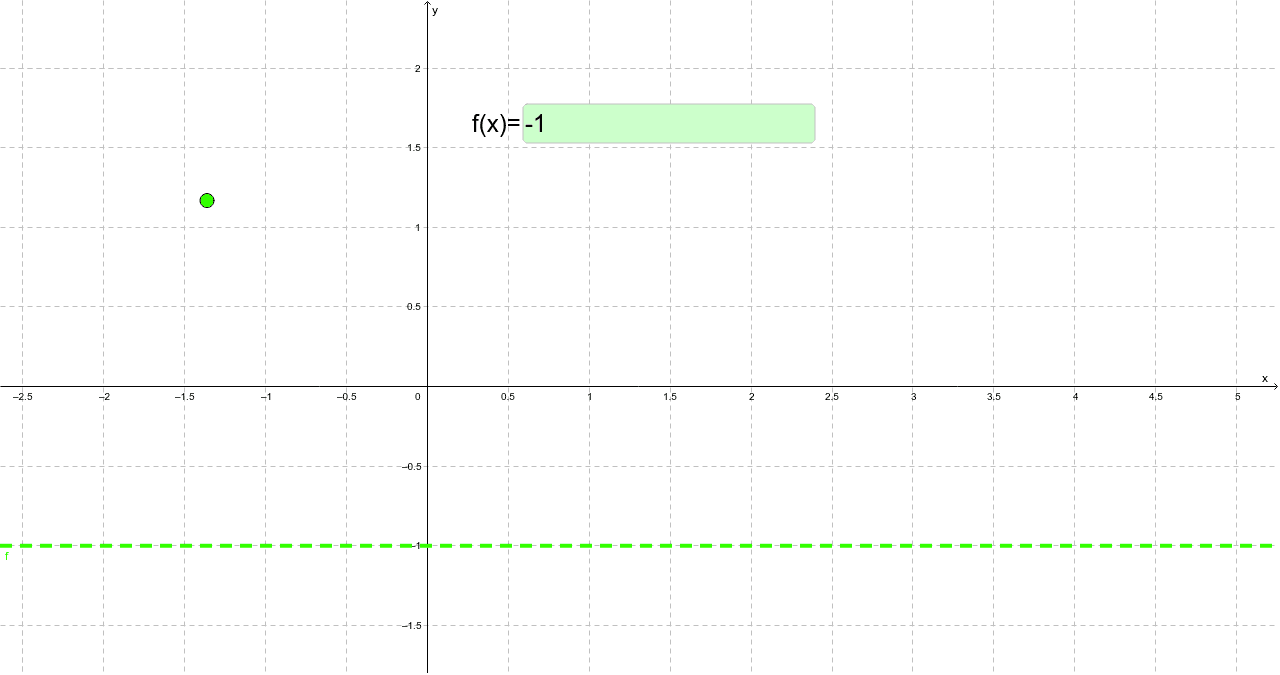
This example demonstrates how to edit the algebraic expression of a function to match the locus of a constrained point. It involves core math concepts like function graphing, coordinate geometry, locus equations, and parametric equations. Construction highlights include using Point and Textfield commands with objects c, A, function f, and inputBox1. Suitable for high school mathematics education to understand the relationship between functions and loci, fostering parametric thinking and geometric intuition.
GeoGebra Commands & Parameters
Point(c) → ATextfield(f) → inputBox1
AI Drawing Prompt Reference
Draw the graph of a cubic function on a coordinate plane. Place a movable point on the curve. Include a text input field that allows editing the algebraic expression of the function. When the expression is changed, the curve updates accordingly, and the point remains on the new curve, illustrating the locus of the point as the function varies. The figure should show the axes, the cubic curve, a point on it, and a text box for entering the function expression.
The prompt above was compiled from the original drawing commands and is for reference only.