
Cross Sections of a Trapezoidal Prism
Loading the math board and drawing, please wait…
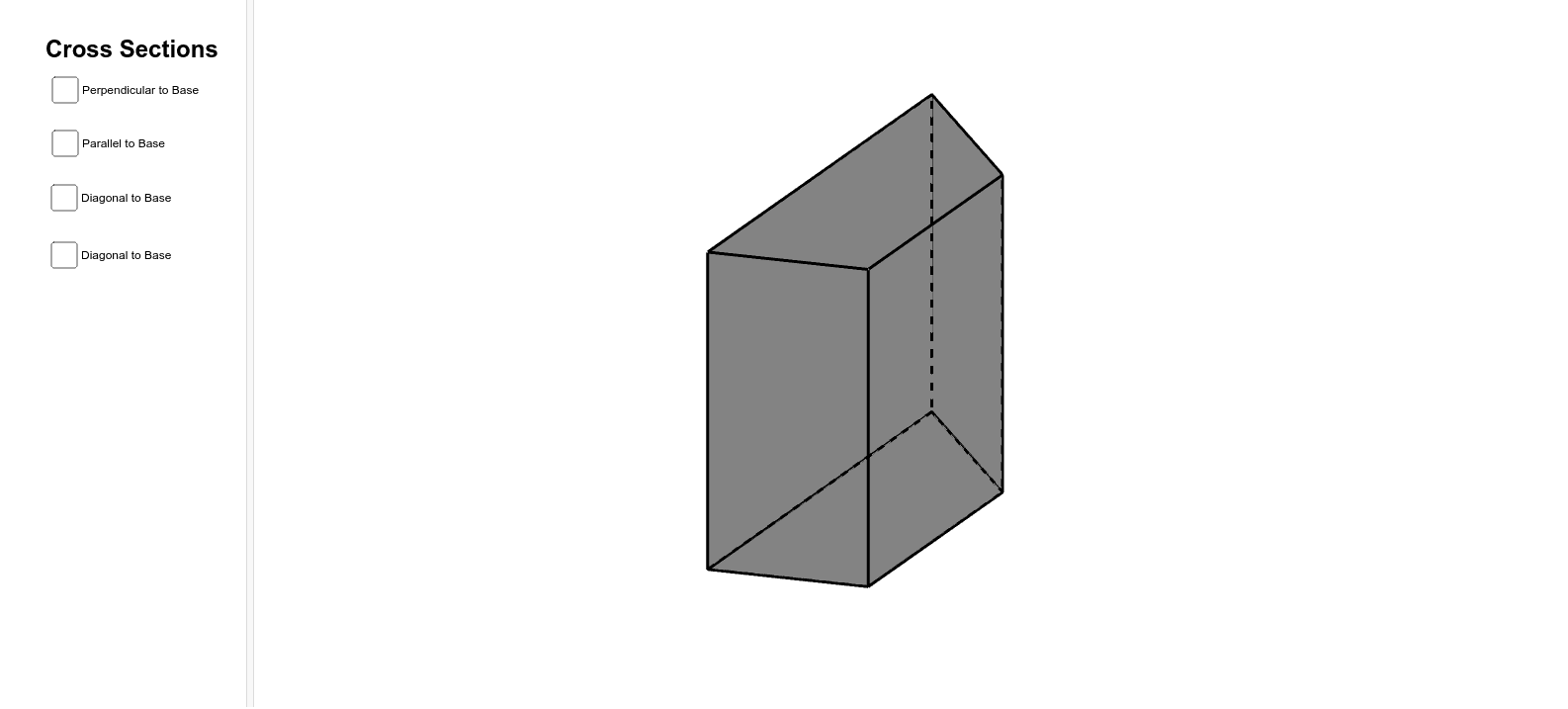
This example demonstrates the cross sections of a trapezoidal prism. Key mathematical concepts include solid geometry and coordinate geometry. Using GeoGebra commands such as Intersect, Polygon, and Prism, various faces and edges of the trapezoidal prism can be constructed. Suitable for high school mathematics education and students learning solid geometry.
GeoGebra Commands & Parameters
Intersect(xAxis, yAxis) → APolygon(A, B, C, D) → poly1, a, b, c, dPrism(poly1, 5.170266100867449) → e, E, edgeAE, edgeBF, edgeCG, edgeDH, edgeEF, edgeFG, edgeGH, edgeEH, F, G, H, faceABFE, faceBCGF, faceCDHG, faceADHE, faceEFGHPoint(edgeFG) → IOrthogonalLine(I, b, space) → fOrthogonalLine(I, edgeEH, space) → gIntersect(edgeEH, g) → JIntersect(f, b) → KOrthogonalLine(J, d, space) → hIntersect(d, h) → LPolygon(I, J, L, K) → poly2, i, j, l, kPoint(edgeCG) → MOrthogonalLine(M, edgeBF, space) → nIntersect(edgeBF, n) → NOrthogonalLine(N, edgeAE, space) → pIntersect(edgeAE, p) → OOrthogonalLine(O, edgeDH, space) → qIntersect(edgeDH, q) → PPolygon(M, N, O, P) → poly3, m_1, n_1, o, p_1Point(edgeCG) → QOrthogonalLine(Q, edgeBF, space) → sIntersect(edgeBF, s) → RPoint(edgeDH) → SPlane(R, Q, S) → tIntersectPath(t, e) → poly4, T, U, V, W, a_1, b_1, c_1, d_1Point(edgeGH) → ZPoint(edgeFG) → A_1Point(edgeCG) → B_1Plane(Z, A_1, B_1) → vIntersectPath(v, e) → poly5, C_1, D_1, E_1, e_1, f_1, g_1
AI Drawing Prompt Reference
Draw a trapezoidal prism and show its different cross-sections. Start by drawing the trapezoidal base, then construct the prism. Next, use points and lines to create multiple cross-sections, including those parallel to the base, perpendicular to the base, and oblique sections. Finally, draw the intersections of these sections with the prism to form several polygonal cross-sections.
The prompt above was compiled from the original drawing commands and is for reference only.