
Cross Product and Cauchy-Binet Parallelograms
Loading the math board and drawing, please wait…
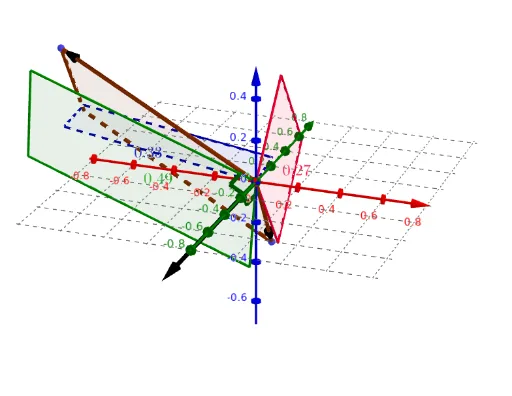
This example illustrates the concept of cross product and Cauchy-Binet parallelograms. By constructing vectors u and v, and their cross product vector w, a parallelogram is formed. Commands used include Intersect, Vector, Polygon, Angle, and Centroid. Suitable for high school mathematics education, particularly in coordinate geometry and vector topics.
GeoGebra Commands & Parameters
Intersect(yAxis, xAxis) → AVector(A, B) → uVector(A, C) → vPolygon(A, B, D, C) → q1, a, b, d, cAngle(C, A, E) → αAngle(B, A, E) → βCentroid(q1) → FPolygon((x(A), y(A), 0), (x(B), y(B), 0), (x(D), y(D), 0), (x(C), y(C), 0)) → q2, f, g, h, iPolygon((x(A), 0, z(A)), (x(B), 0, z(B)), (x(D), 0, z(D)), (x(C), 0, z(C))) → q3, j, k, l, mPolygon((0, y(A), z(A)), (0, y(B), z(B)), (0, y(D), z(D)), (0, y(C), z(C))) → q4, n, p, q, rCentroid(q2) → GCentroid(q3) → HCentroid(q4) → I