
Create Families & Patterns of 5 Equations
Loading the math board and drawing, please wait…
In collections
Geom. & Alg.: Quadratics
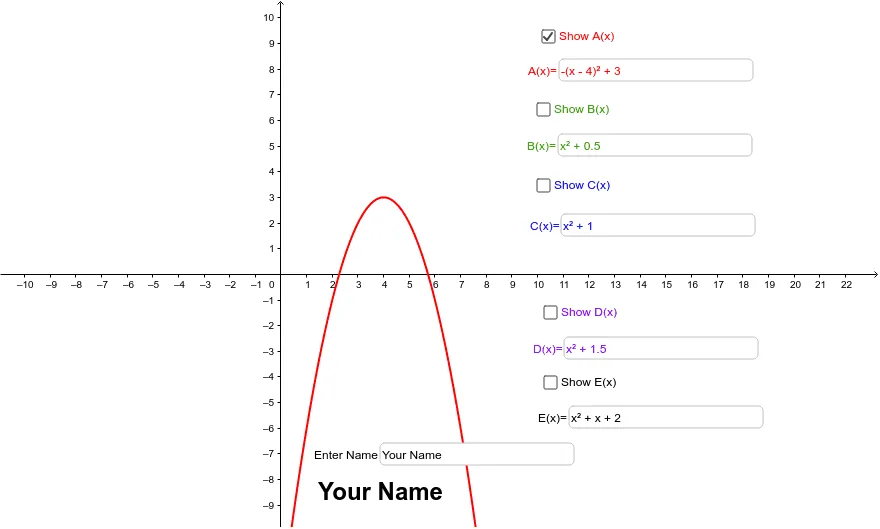
This example demonstrates how to create families and patterns of 5 equations on the iPad. It involves core mathematical concepts such as functions, coordinate geometry, and parametric equations. Using GeoGebra commands like Textfield and objects A to E, you can dynamically adjust equation parameters to observe changes in the equation family. Suitable for high school math education and learning.
GeoGebra Commands & Parameters
Textfield(A) → inputBox1Textfield(B) → inputBox2Textfield(C) → inputBox3Textfield(D) → inputBox4Textfield(E) → inputBox5Textfield(text1) → inputBox6
AI Drawing Prompt Reference
Draw a family of 5 equations and observe how the family changes by adjusting parameters. Start by entering the function expressions, then use input boxes 1 to 6 to modify the shape and position of the equations, and observe the dynamic changes in the equation family.
The prompt above was compiled from the original drawing commands and is for reference only.