
Create a Tessellation
Loading the math board and drawing, please wait…
In collections
How to create a Tessellation (Rectangle)
This example demonstrates how to create a tessellation using translation transformations. The core mathematical concepts include geometric transformations, specifically translation. Using GeoGebra commands such as Segment, OrthogonalLine, Point, and Intersect, multiple repeated geometric shapes are constructed to form a beautiful tessellation pattern. Suitable for middle school and above students to learn about geometric transformations and pattern construction.
GeoGebra Commands & Parameters
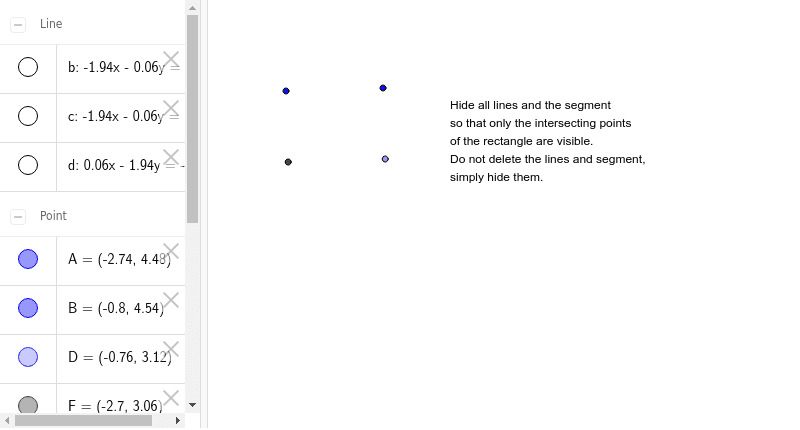
Segment(A, B) → aOrthogonalLine(A, a) → bOrthogonalLine(B, a) → cPoint(c) → DOrthogonalLine(D, b) → dIntersect(b, d) → F
AI Drawing Prompt Reference
Create a hexagonal tessellation pattern. Start by drawing segment AB, then draw two perpendicular lines b and c from points A and B respectively. Next, take point D on line c and draw another perpendicular line d from D. The intersection of lines b and d, point F, is one vertex of the tessellation pattern.
The prompt above was compiled from the original drawing commands and is for reference only.