
Create a Logifaces Part
Loading the math board and drawing, please wait…
In collections
Developing games and puzzles with 3D printing for STEAM
Developing fun games and puzzles with 3D printing for STEAM
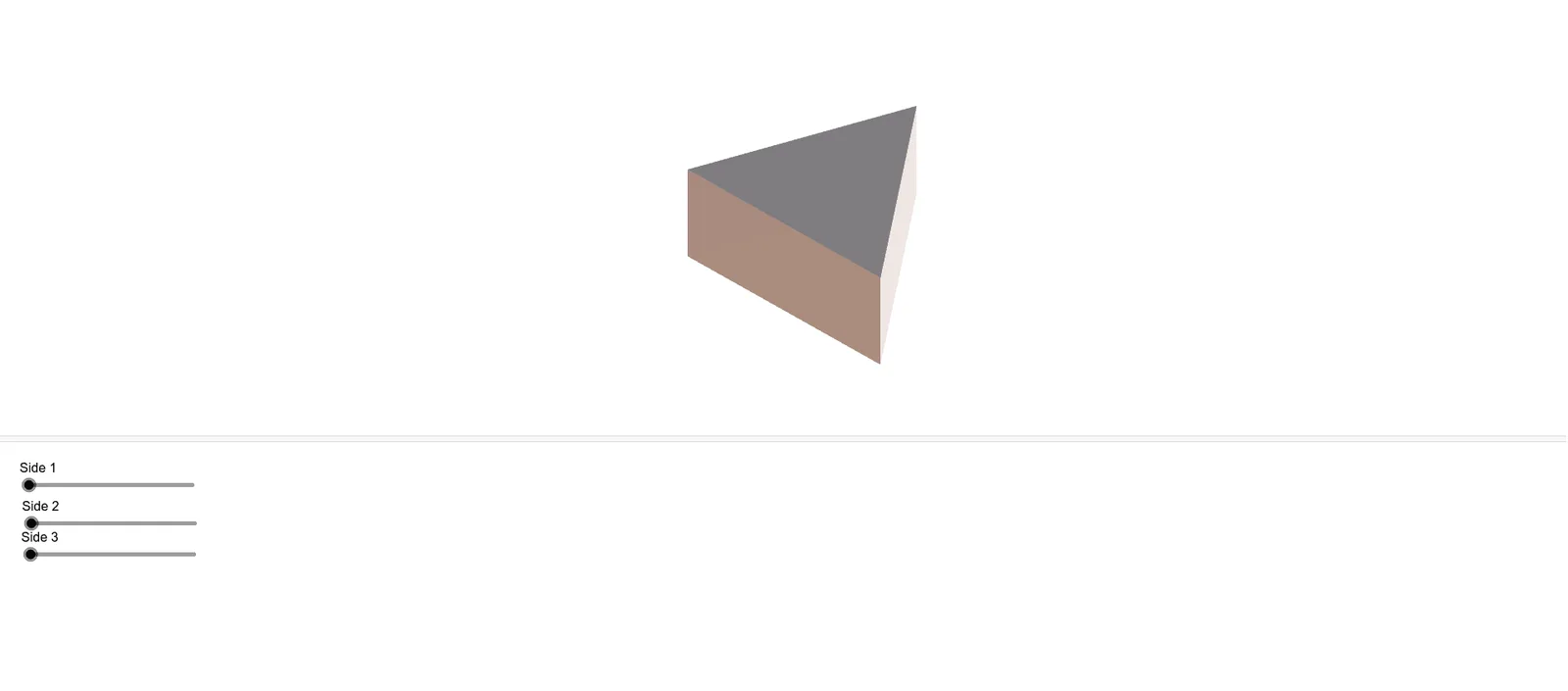
This example demonstrates how to create a logifaces part using GeoGebra. It involves concepts of linear programming or linear optimization. By using the Polygon command and adjusting objects such as A, B, C, n, i, j, etc., the shape of the polygon can be changed. Suitable for high school math education or students learning linear programming.
GeoGebra Commands & Parameters
Polygon(B, H, I, C) → v1, b_1, h, i_1, c_1Polygon(A, C, I, G) → v2, a, c_2, i_2, gPolygon(A, B, H, G) → v3, a_1, b_2, h_1, g_1Polygon(H, I, G) → d1, g_2, h_2, i_3Polygon(B, C, A) → d2, a_2, b_3, c_3
AI Drawing Prompt Reference
Draw a shape composed of four quadrilaterals with four vertices A, B, C, and G, and three internal points H, I. First, draw quadrilateral ABCH, then draw quadrilateral BCHI, followed by quadrilateral CIHG, and finally quadrilateral AGIH. Adjust the positions of these points to change the shape of the figure.
The prompt above was compiled from the original drawing commands and is for reference only.