
Copying an Angle with Straightedge-and-Compass Construction
Loading the math board and drawing, please wait…
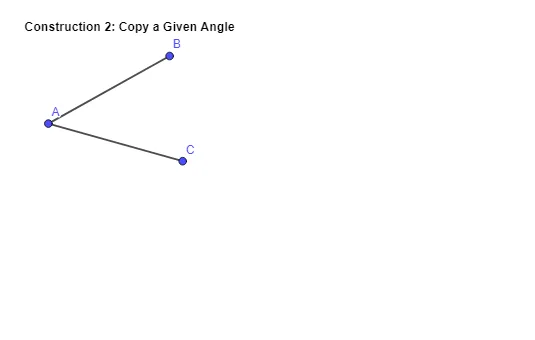
This example demonstrates how to accurately copy a given angle to a new location on the plane, producing a target angle with the same measure as the original. The key mathematical ideas are geometric construction, the definition of an angle via its rays, and the use of fixed distance (typically by circle-based intersections) to guarantee angle equality. In the construction, GeoGebra commands are used to create and connect the necessary geometric entities: the construction summary shows the use of the Segment command to form the key line segments, along with labeled/organized objects such as text1, points A, B, and C, and auxiliary elements f and g that represent the rays/segments defining both the original and copied angles. Suitable for middle school to high school learners, and for lessons on classical construction methods, congruence of angles, and foundational reasoning in Euclidean geometry.
GeoGebra Commands & Parameters
Segment(A, B) → fSegment(A, C) → g
AI Drawing Prompt Reference
Draw an angle and then accurately copy it to a new location using straightedge and compass, ensuring the new angle has the same measure as the original. Start by drawing two rays to form the original angle, then use a straightedge to connect the starting point to the intersection of the rays. Next, use a compass to mark equal distances along both rays, and finally connect these points to form the target angle, demonstrating geometric construction and angle congruence.
The prompt above was compiled from the original drawing commands and is for reference only.