
Copying an Angle: Geometric Construction
Loading the math board and drawing, please wait…
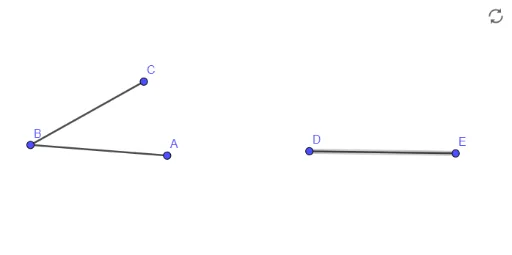
This example demonstrates how to copy a given angle using classic compass-and-straightedge construction in GeoGebra. It visually shows the process of constructing an angle equal to a given one, illustrating the properties of angle equality and the invariance of arc radii. The core mathematical concepts involve angle measurement, congruent arcs, and the principles of geometric construction. The construction uses the Segment command to create the sides of the original angle (objects A, B, f, C, g), then draws an arc centered at the vertex, replicates the same radius at the target location, and connects the intersection points to form the new angle (objects D, E, h). This example is suitable for middle school geometry lessons, helping students understand the steps and logic of compass-and-straightedge constructions. It can also be used by teachers for classroom demonstrations or by students for independent exploration. In the dynamic environment, students can drag the vertices or sides of the original angle and observe how the copied angle changes accordingly, deepening their understanding of angle concepts.
GeoGebra Commands & Parameters
Segment(A, B) → fSegment(B, C) → gSegment(D, E) → h