
Coordinate Geometry of Translation
Loading the math board and drawing, please wait…
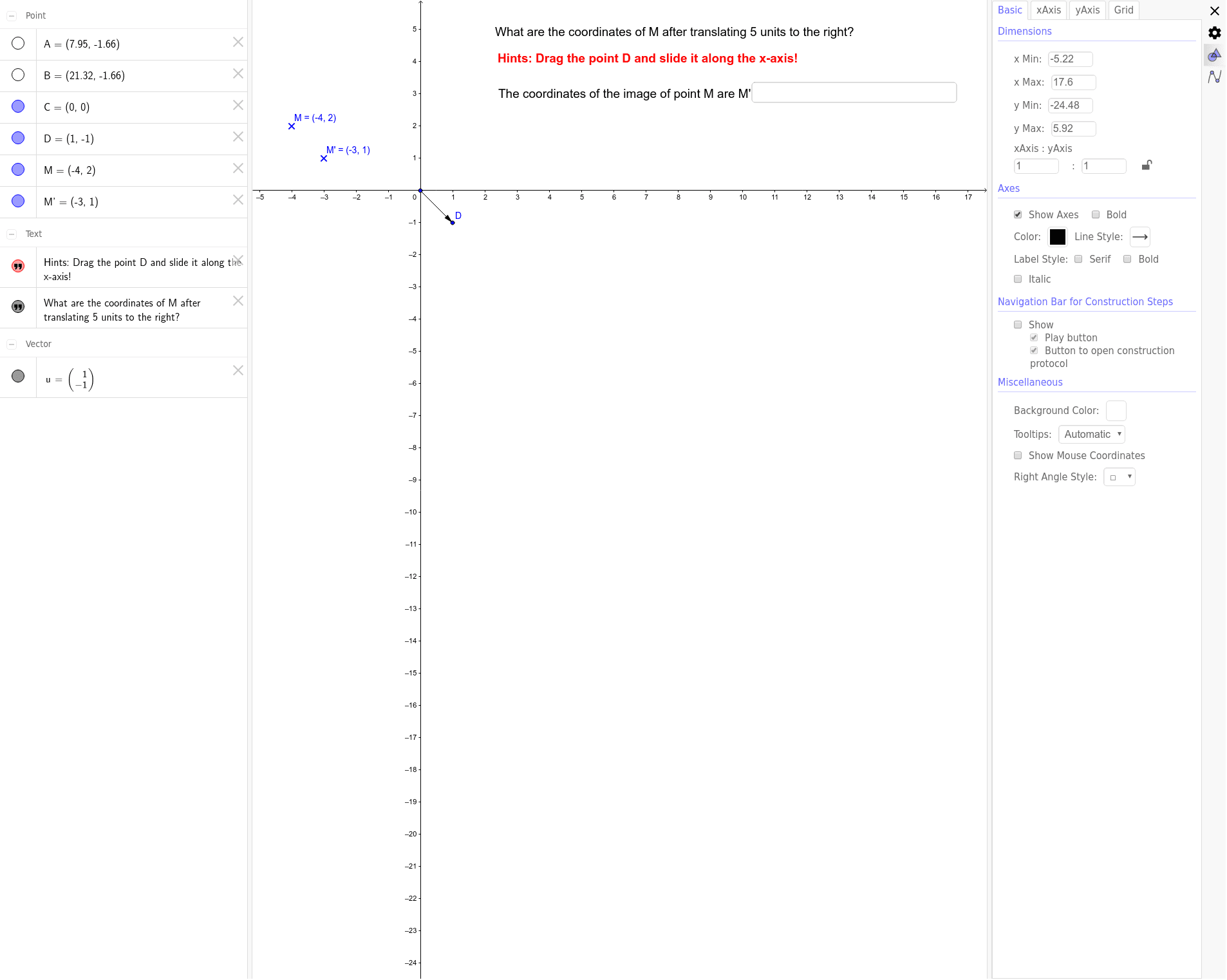
This example demonstrates the application of translation in coordinate geometry. Key concepts include translation vectors and coordinate transformations. Using GeoGebra commands such as Vector, Translate, and Textfield, dynamic displays of point movement and coordinate changes are shown. Suitable for middle school and above students learning geometric transformations.
GeoGebra Commands & Parameters
Vector(C, D) → uTranslate(M, u) → M'Textfield() → InputBox1
AI Drawing Prompt Reference
Draw a coordinate plane with two points defining a translation vector, shown as an arrow. Place another point as the original point, translate it by the vector to get a new point, and connect the original and new points with a dashed line to show the translation path. Add an input box near the figure to dynamically display or modify the translated coordinates. The diagram should clearly show the positional relationship and coordinate changes before and after translation.
The prompt above was compiled from the original drawing commands and is for reference only.