
Construction Techniques 4: Parallel and Perpendicular Lines - GeoGebra Lesson
Loading the math board and drawing, please wait…
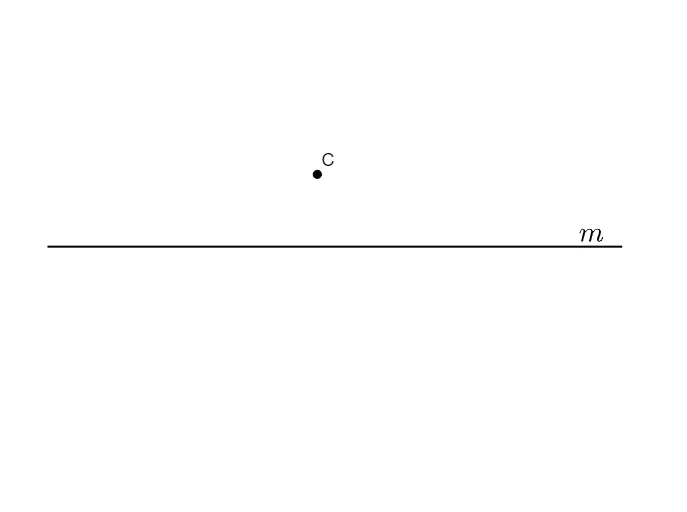
This GeoGebra example demonstrates how to construct parallel and perpendicular lines using geometric construction techniques. It focuses on the core mathematical concepts of parallelism, perpendicularity, and the principles of straightedge-and-compass constructions. The construction involves using the Segment command to create line segments, defining points (A, B, C, D, E) and segment f to establish geometric relationships, and incorporating images (pic1) and text (text1) for instructional clarity. This lesson is suitable for middle school geometry classes, helping students understand the properties and construction methods of parallel and perpendicular lines, while enhancing their spatial reasoning and logical deduction skills.
GeoGebra Commands & Parameters
Segment(A, B) → f
AI Drawing Prompt Reference
Draw a plane geometry setup centered on a single given segment by marking its two endpoints and constructing the segment between them. Using the segment’s endpoints, add the additional points required to express the key relationships for parallel and perpendicular constructions, forming a clear diagram that illustrates direction and angle constraints. The emphasis should be on the straightedge-and-compass construction idea, showing how point and segment positioning supports reasoning about parallelism and perpendicularity.
The prompt above was compiled from the original drawing commands and is for reference only.